29
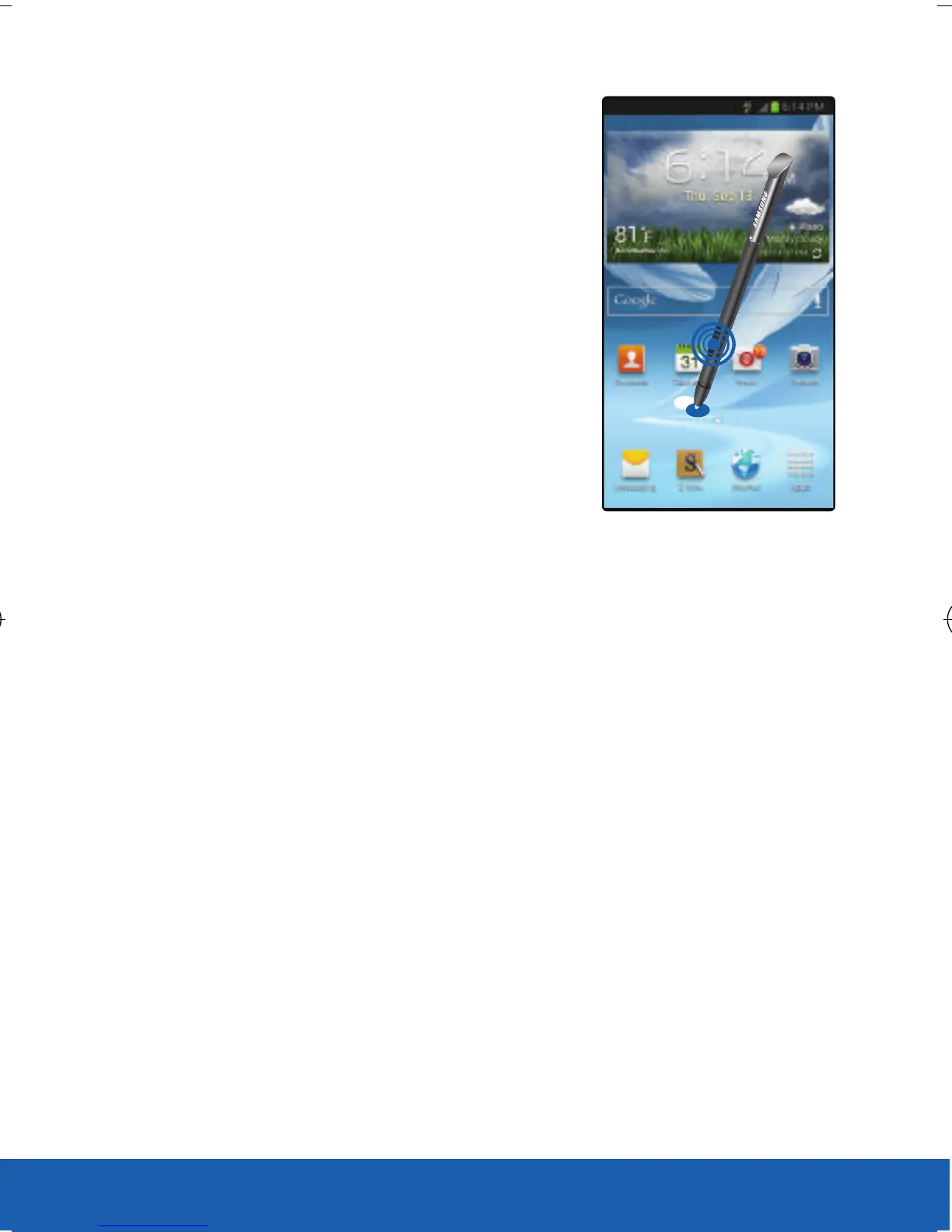
Launching S Note
X Press the S Pen button then
double-tap the
screen to launch S Note.
Selecting Text
With the S Pen button pressed, drag left or right on
the text to select. If you drag between lines, you may
select unwanted text. To select only the text you
intend, drag across the middle of the text or drag the
text selection icons.
USC_T0_QRM_75X105.indd 29 9/27/2012 9:16:09 PM












 To Next Page