30
Lauching Quick
Commands
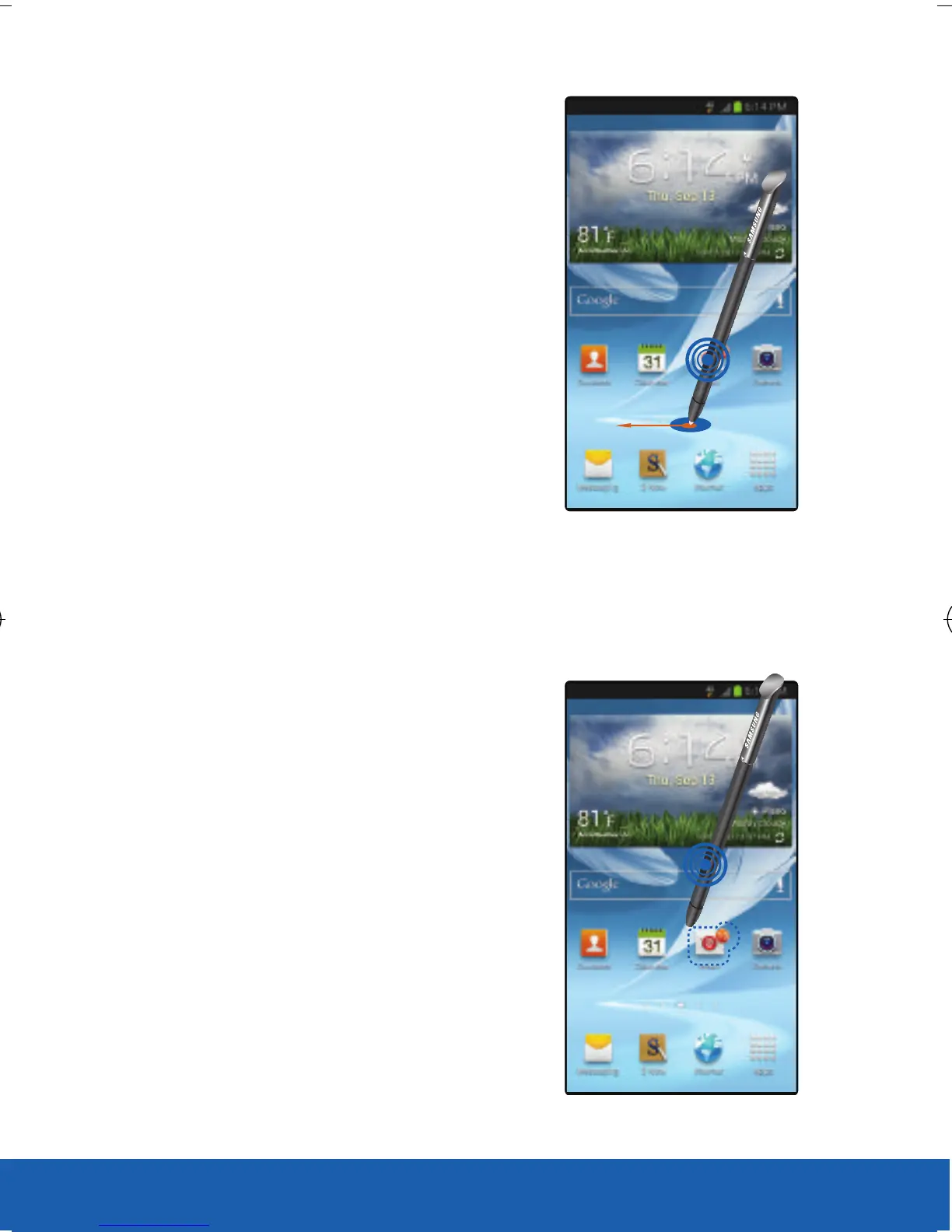
With the S Pen button pressed,
drag the S Pen up the screen
to launch Quick Command.
On the Quick Command
screen, draw a gesture
command to launch the assigned
application or
feature. To view assigned gesture
commands, press the
S Pen button while hovering
over the Quick Command screen.
Selecting and Capturing
an Image
With the S Pen button pressed,
draw a line around an area to
select it. Select an application
to use with the selected area
from the icons that appear at the
bottom of the screen.
USC_T0_QRM_75X105.indd 30 9/27/2012 9:16:11 PM












 To Next Page