17
Charging the Battery
Your device is powered by a rechargeable Li-ion
battery. A wall charger, which is used for charging
the battery, is included with your device. Use only
approved batteries and chargers. Ask your local
Samsung dealer for further details.
IMPORTANT: Verify that the battery is installed prior to connecting the
wall charger. If both the wall charger is connected and
the battery is not installed, the handset will power cycle
continuously and prevent proper operation. Failure to
unplug the wall charger before you remove the battery,
can cause the device to become damaged.
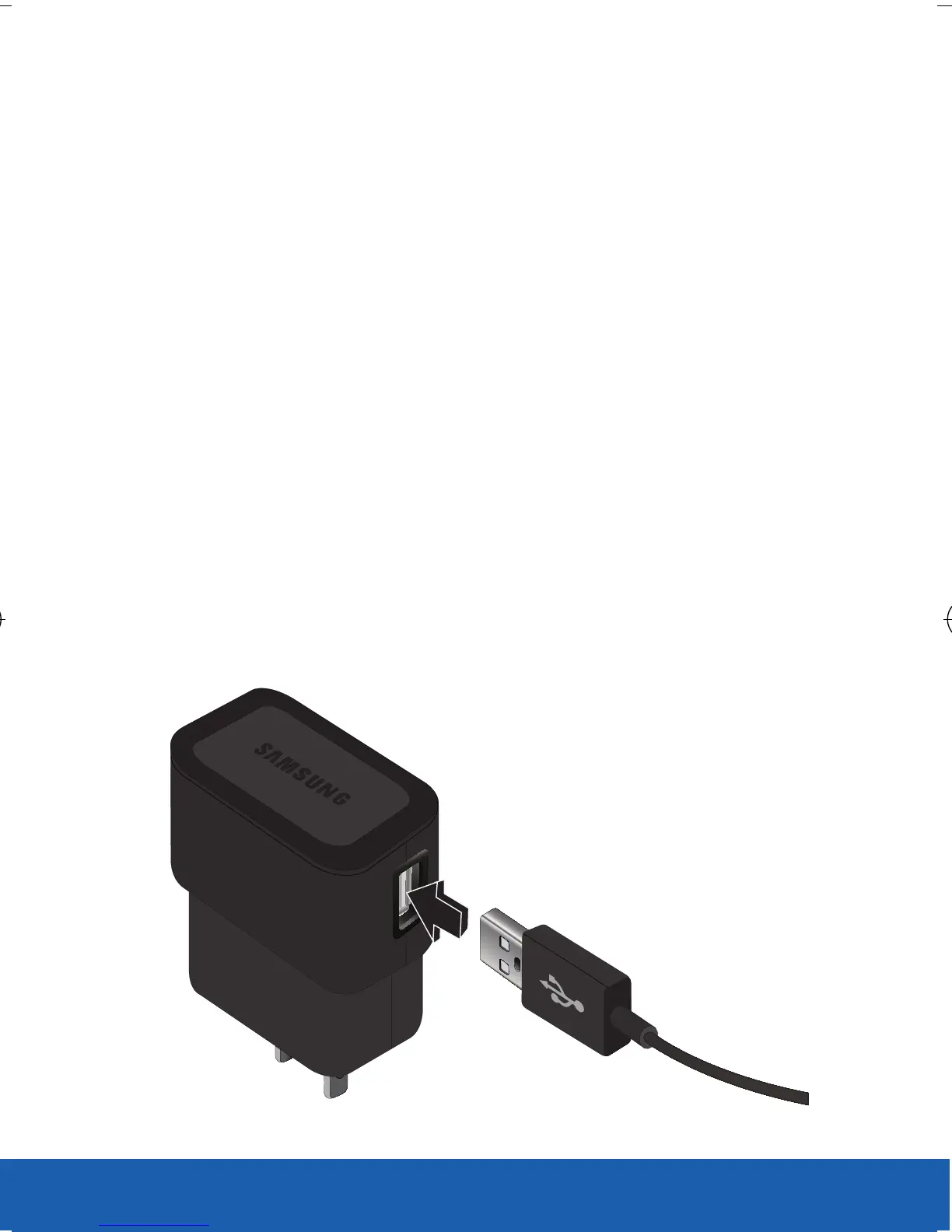
1. Connect the USB cable to the charging head.
2. Locate the Charger/Accessory jack.
CHARGING HEAD
USB CABLE
USC_T0_QRM_75X105.indd 17 9/27/2012 9:16:02 PM












 To Next Page