27
Using the S Pen
There are several different functions you can perform
by using the S Pen.
Effectively express yourself
Write/Draw directly into an email, or the calendar,
annotate Word, Excel, PowerPoint, and PDF
documents, capture your ideas in S Note, write a
note on the back of the picture.
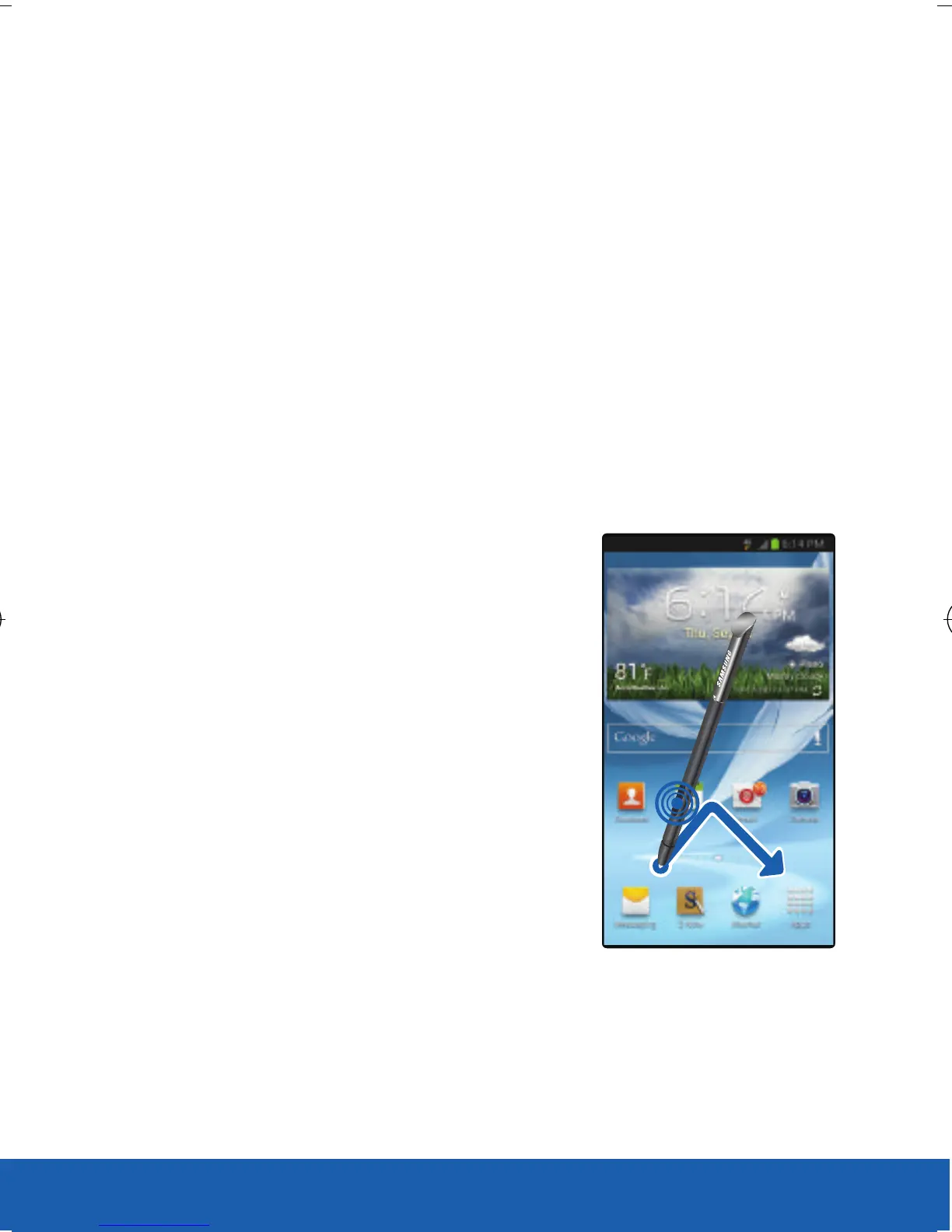
Opening a Menu
X Press the S Pen button
and then drag the screen
as shown. The previous
screen is displayed
USC_T0_QRM_75X105.indd 27 9/27/2012 9:16:06 PM












 To Next Page