56
- This Document can not be used without Samsung's authorization -
Ⅳ. FIRMWARE
* The firmware file name must be "slidebtn.hex".
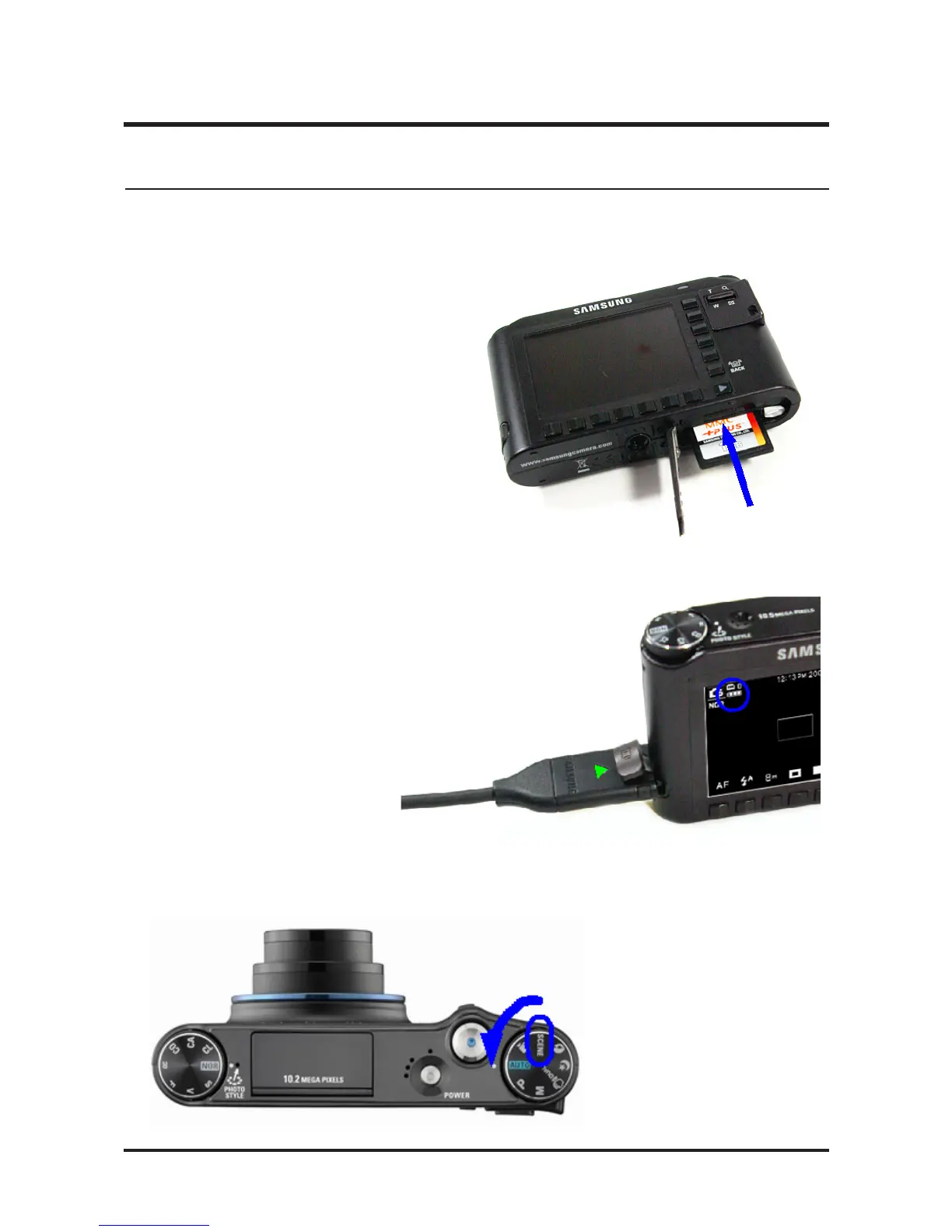
2. Connect the AC adapter or a fully charged battery.
* To upgrade the firmware, the battery level indicator
on the LCD monitor must be full (level three).
4. Slide button
Firmware upgrade procedures for the Slide button are described below.
1. Insert the SD card including the Slide Button
firmware file for the NV24HD is saved,
into the camera.
3. Turn on the camera and select SCENE, using the Mode Dial.



 To Next Page