80
- This Document can not be used without Samsung's authorization -
Ⅴ. ADJUSTMENT
A. Purpose
This is to detect hardware or software defects in a camera by repeated use of the camera functions.
B. Behavior
① Repeat the specified number of Burning Sequences.
② The Burning Sequence is Image Delete, Single Capture, Flash On Capture_auto, Capture with self timer
of 2 sec, Flash On Capture, Macro Capture, Flash On Capture, AF bracket Capture *5, Movie REC for 5
sec, Movie Playback, LCD Mode_change and then All Image Play with SlideShow.
③ Each time a camera function starts, write the previous result in the log file.
- Before starting a camera function, type NG in the log and then change it to OK after completing the
camera function.
- With this method, you can check a defective loop and defective functions.
C. Spec (Criteria for Checking Defects)
④ Camera that does not stop until they have completed the specified number of tests.
⑤ However, this test can only be restarted once.
D. Procedures
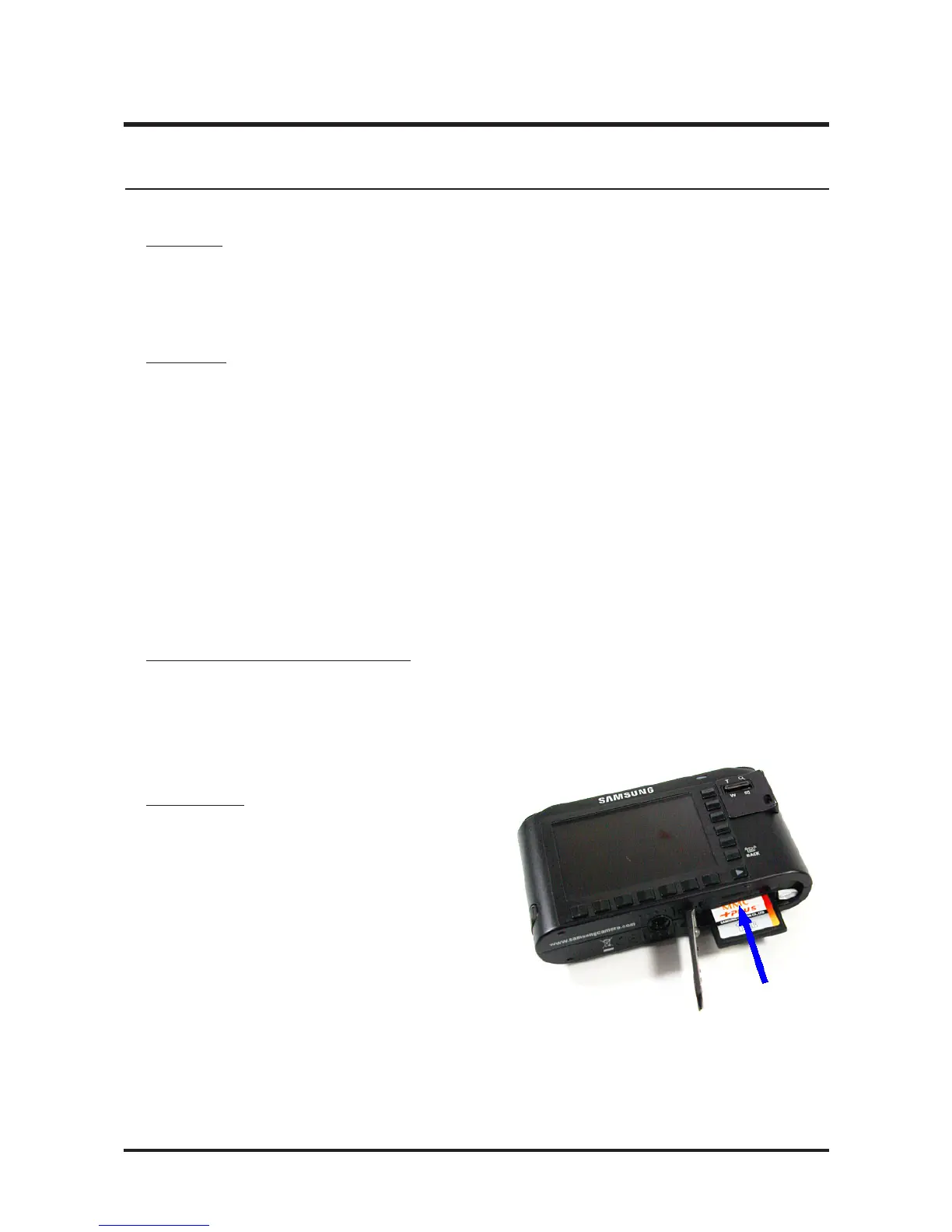
1. Copy the NV2_104.txt and adjust_t files onto the root directory of the SD card and
install the card into the camera.
11. Burning Test



 To Next Page