72
- This Document can not be used without Samsung's authorization -
Ⅴ. ADJUSTMENT
A. Purpose
Lenses tend to make the edges of an image darker than the rest. This phenomenon is called “Lens
Shading”. This adjustment will increase the brightness of the edges of an image by up to 80% of the centre
of the image by calculating the darkness levels at the edges in comparison with the centre.
B. Procedures
1.
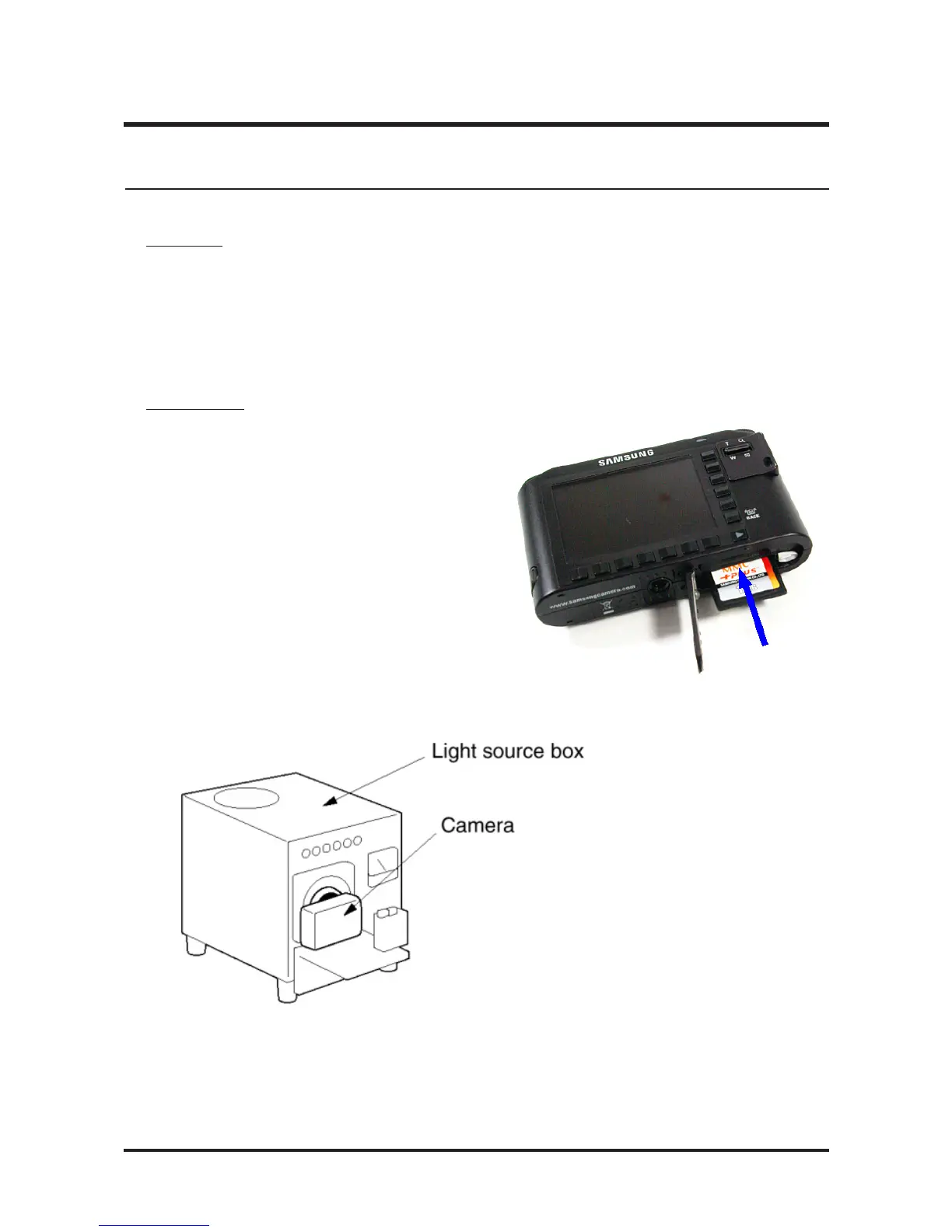
Copy the NV2_104.txt and adjust_t files
onto the root directory of the SD card and
install the card into the camera.
2. Place the camera onto the light source.
7. Lens Shading Adjustment



 To Next Page