73
- This Document can not be used without Samsung's authorization -
Ⅴ. ADJUSTMENT
[Adjustment Light Source Specifications
-
Specification of the Adjustment Tool : A light source that can block out external light sources.
-
Colour Temperature : 3200K ± 50
-
Brightness : LV 8.2 ± 0.1 (± 0.05 is recommended)
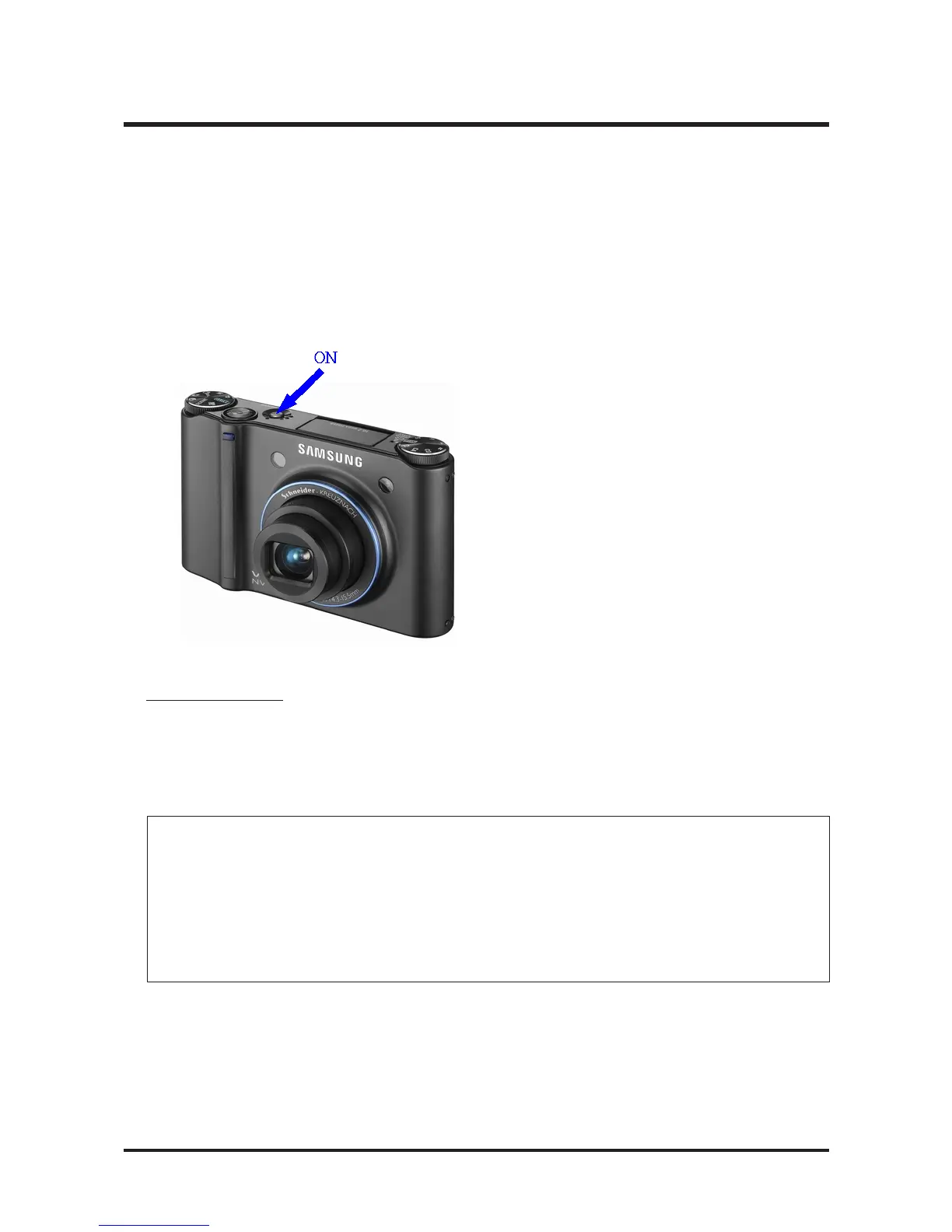
3. Turn on the camera and the Adjustment
mode will be selected automatically.
C. Log File Analysis
After completing the adjustment, an adjustment result log file should have been created in the SD memory
card.
Open the log file with Notepad and determine whether it is Good or Bad.
Index Type ULGain URGain ULGain URGain Avg Type ULGain URGain ULGain URGain Avg Result
1 Before 77 75 80 80 78 After 88 86 89 89 87 OK
2 Before 79 77 80 80 79 After 89 87 88 88 87 OK
3 Before 64 57 65 61 61 After 81 74 80 76 74 NG
*4 Before 78 75 80 80 78 After 89 87 88 89 87 OK



 To Next Page