OfficeServ 7200 USER INSTRUCTIONS
TECHNICAL MANUAL PART 1 MAY 2009
1.10
• iDCS, DS 5000 and ITP KEYSETS
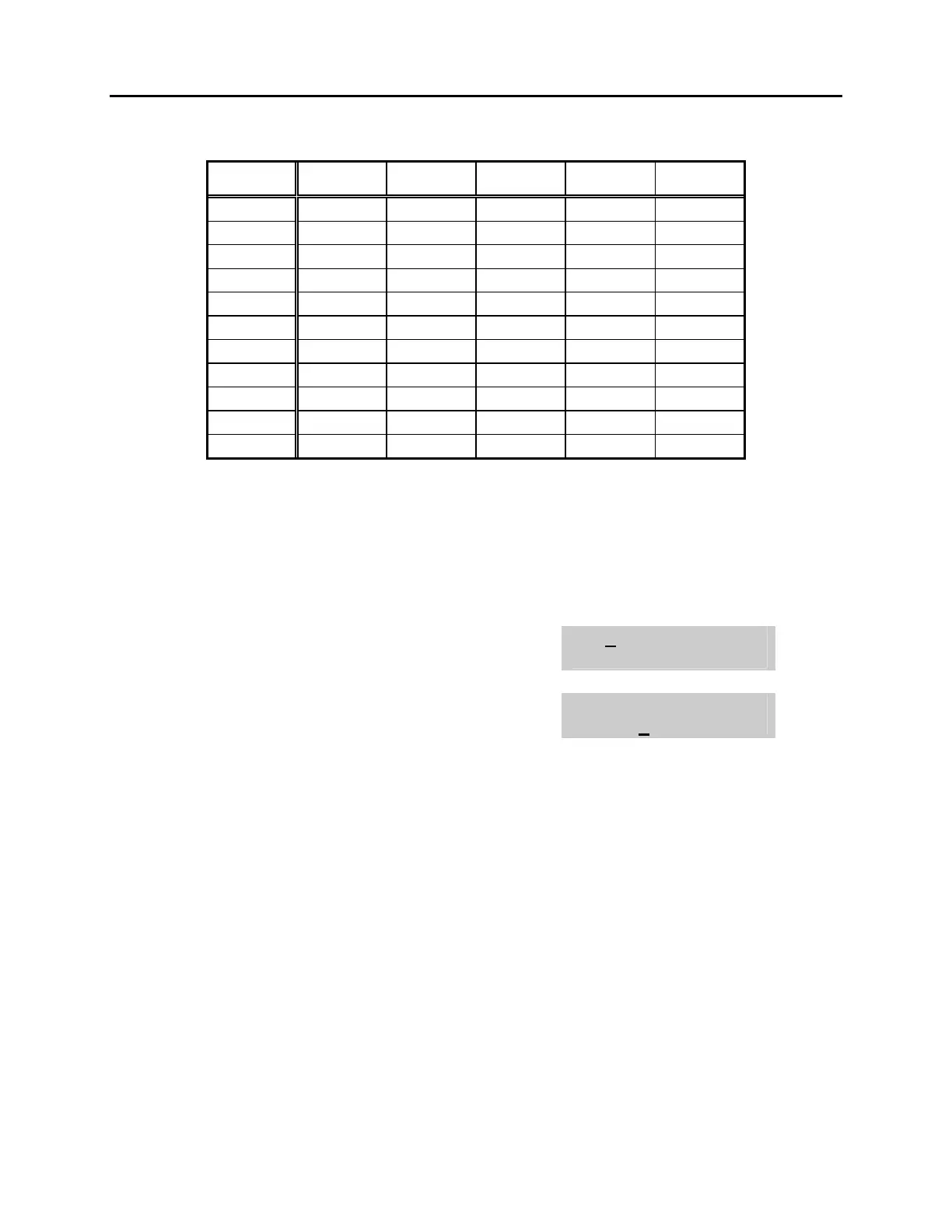
COUNT 1 2 3 4 5
DIAL 0 < > . ) 0
DIAL 1 space ? , ! 1
DIAL 2 A B C @ 2
DIAL 3 D E F # 3
DIAL 4 G H I $ 4
DIAL 5 J K L % 5
DIAL 6 M N O ^ 6
DIAL 7 P Q R S 7
DIAL 8 T U V
4
8
DIAL 9 W X Y Z 9
DIAL 4 : = [ ]
4
1. When the character you want appears on the same dial pad key as the previous
character, press UP to move the cursor one space to the right.
2. Other symbols are available for DIAL #.
ACTION DISPLAY
1. Press the transfer key followed by 104
Display shows
[201] STN NAME
2. Enter the station name using the procedure
described above
[201] STN NAME
SAMSUNG
3. Press the transfer key to store and exit













 To Next Page