10-14
Chapter 10 Special Features
Secure OHVA
This option prevents your phone from receiving OHVA calls via the speaker, for
privacy. Any OHVA call is broadcast via the handset only when the SECURE
OHVA option is turned on at your phone.
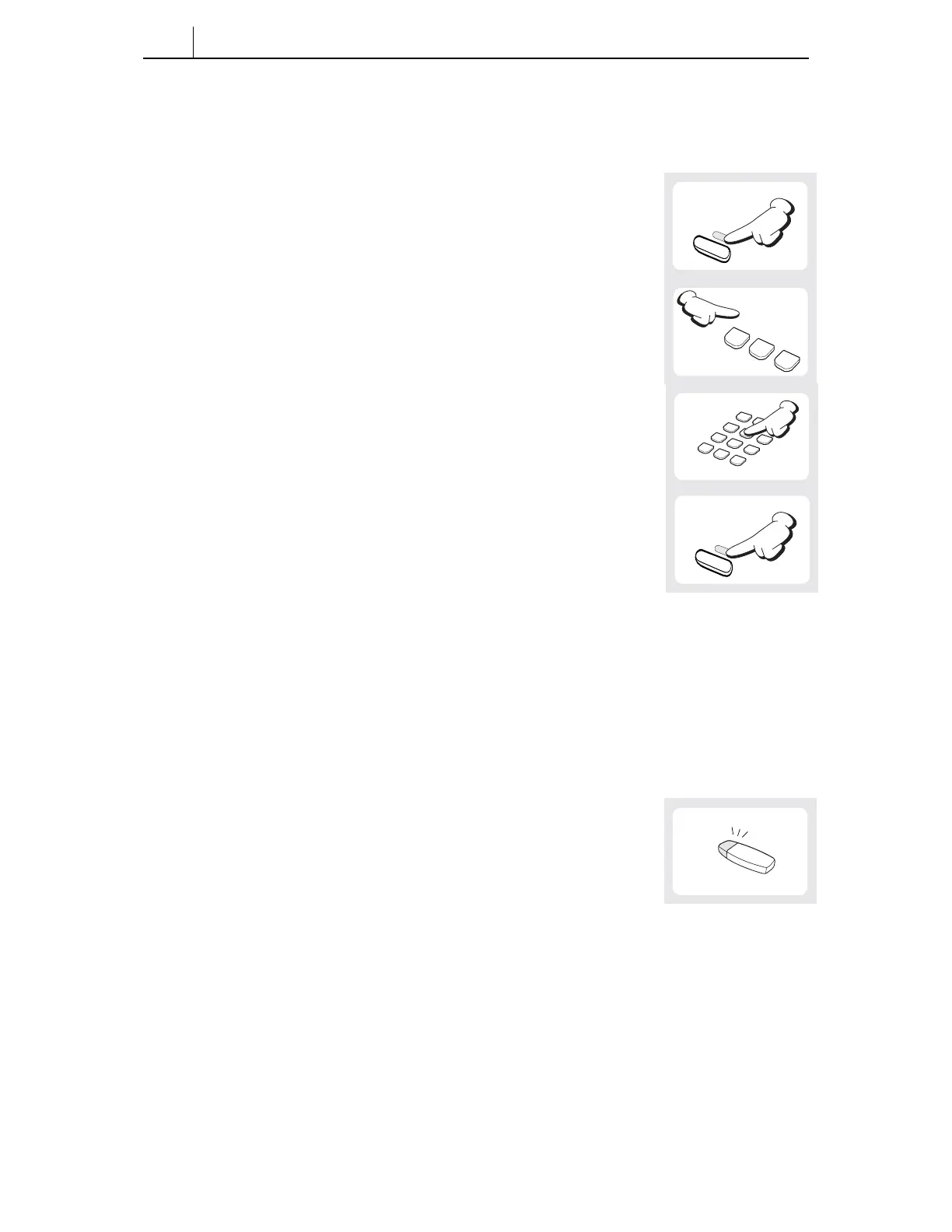
1. Press the [Transfer] button
2. Dial [1][1][0]
3. Dial [1][3][1] to switch Secure OHVA on, or [1][3][0]
to switch it off
4. Press the [Transfer] button to save settings.
In Group/Out Of Group
If your phone is assigned to a station group, you can remove it from the group or
reassign it to the group if it has been removed. If removed from the group you
cannot answer calls sent to the group number, only calls to your extension number.
• If you have a programmed [IN/OUT] button:
1. Press the programmed [IN/OUT] button.
The button will light red.
1
0
1
Transfer
1
2
3
4
5
6
7
8
9
*
0
ABC
DEF
GHI
JKL
MNO
PQRS
TUV
WXYZ
Transfer








 To Next Page