5-13
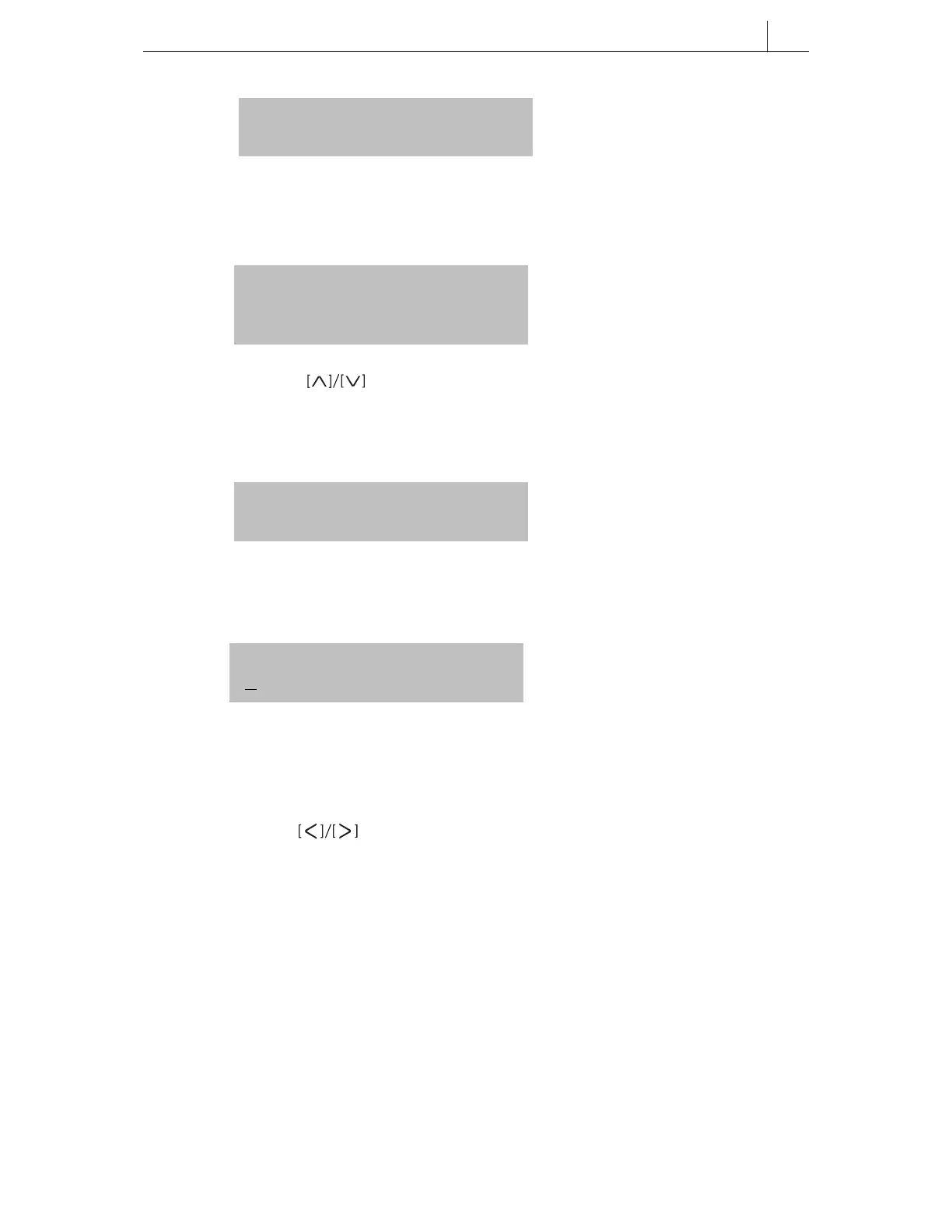
4. Select [1. ALARM TYPE], and press the [Enter] button.
The submenu for the alarm type is displayed.
5. Use the direction buttons, or the [uVo l u m e t] buttons, or the
relevant dial button to select the alarm type (e.g. TODAY), and press the
[Enter] button. The selected alarm type is saved and you move to the previous
menu.
6. Select [2. ALARM TIME] and press the [Enter] button. The alarm time screen
is displayed.
7. Use the dial buttons to enter the alarm time in 24-hour clock format (e.g.
13:30 for 1.30 pm).
Use the direction buttons to move the cursor on the LCD. Use the
[Cancel] button to delete a set time and re-enter it.
8. Press the [Enter] button to save the entered time and to move to the previous
menu.
1. ALARM TYPE
2. ALARM TIME
0. NOT SET
1. TODAY
2. DAILY
1. ALARM TYPE
2. ALARM TIME
ALARM TIME
H H:mm
9. Press the [End] button to exit menu mode.








 To Next Page