English - 65
Selecting Category Colours
You can change the colours for Categories.
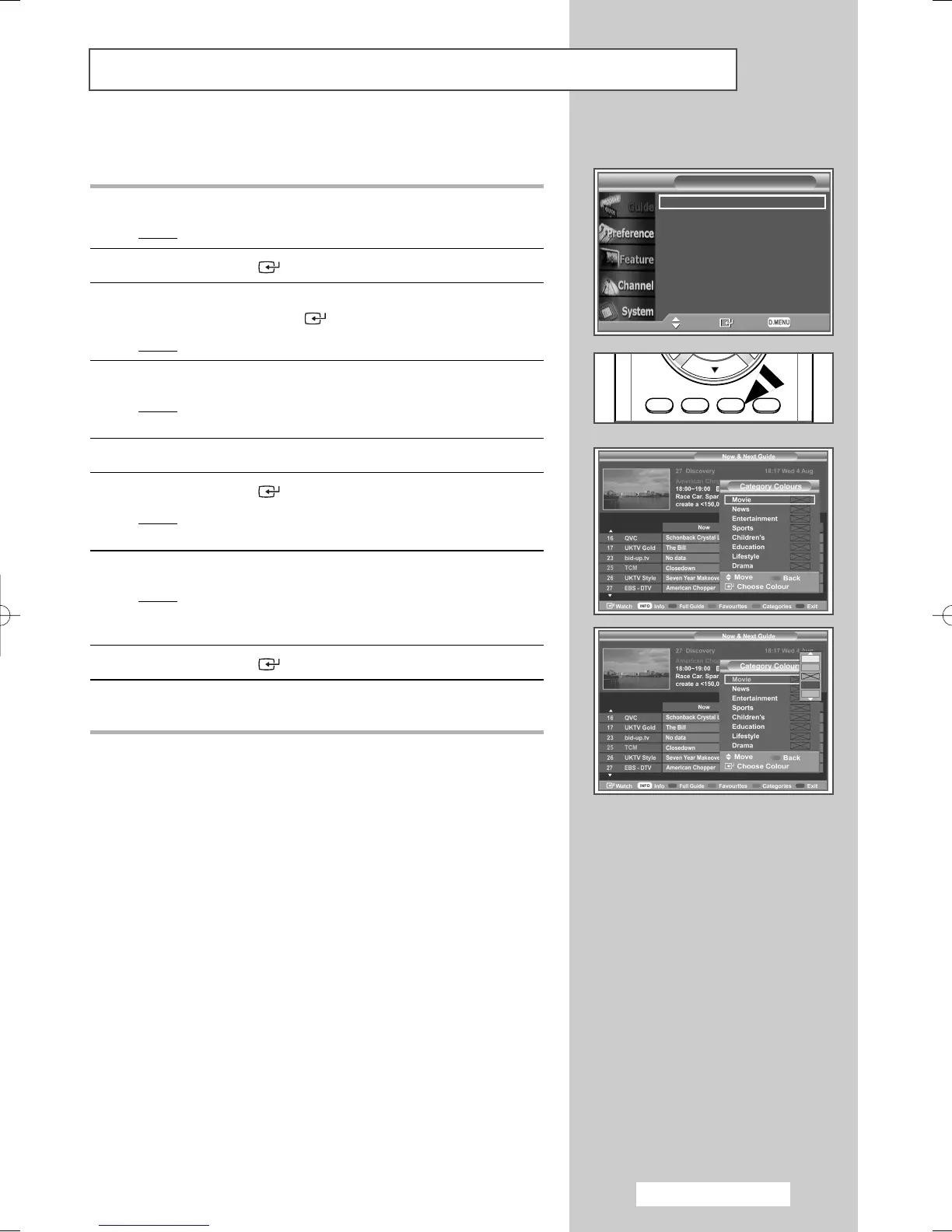
1 Press the D.MENU button.
Result
: The Guide menu is displayed.
2 Press the ENTER () button to select Guide.
3 Press the ▲ or ▼ button to select Now & Next Guide or Full
Guide. Press the ENTER () button.
Result
: The selected guide menu is displayed.
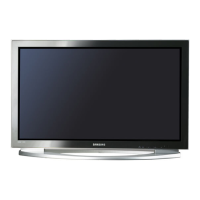
4 Press the yellow button.
Result
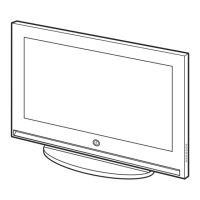
:Apop up screen that enables you to select category
colours is displayed.
5 Select a category by pressing the ▲ or ▼ button.
6 Press the ENTER () button.
Result
: The selectable colours are displayed on the right side
of the screen.
7 Select a colour by pressing the ▲ or ▼ button.
Result
: The colour selected for a category is stored and the
colours for the programme slots of the EPG will
change to that selection.
8 Press the ENTER () button to change the setting.
9 Press the D.MENU button to return to the previous menu or press
the EXIT button to return to normal viewing.
√
d.
"
o
)
Now & Next Guide
Full Guide
Scheduled List
Default Guide : Full Guide
Move Enter Return
Guide
BN68-00889A-00Eng_54-73 4/15/05 4:29 PM Page 65



 To Next Page