ENG - 7
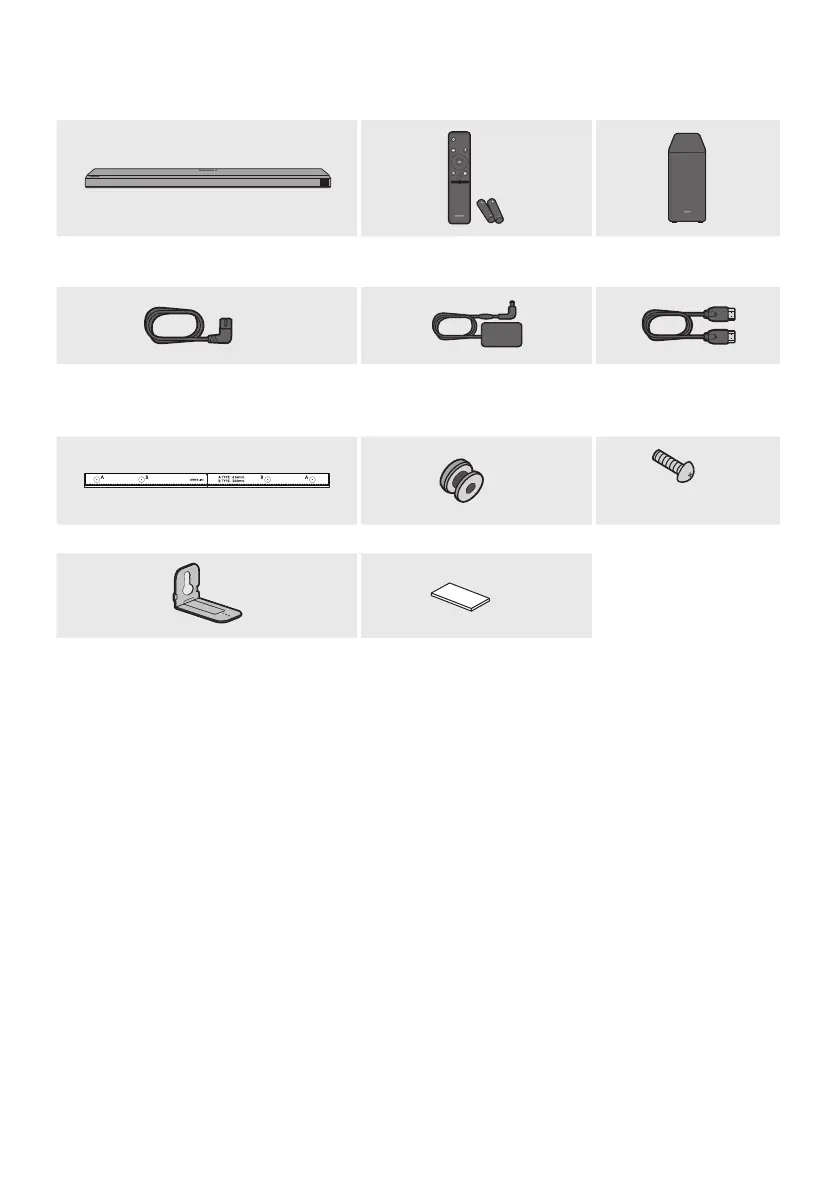
01 CHECKING THE COMPONENTS
VOL WOOFER
SOUNDBAR
SOUND
MODE
PAIR
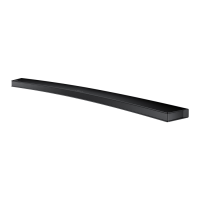
Soundbar Main Unit Soundbar Remote Control
(AH59-02767A)
/ Batteries
Subwoofer
x 2
Power Cord
(Subwoofer, Soundbar)
(3903-001117)
AC/DC Adapter
(Soundbar)
(BN44-01014A)
HDMI Cable
(BN39-01997A)
x 2
(M4 x L10)
x 2
Wall Mount Guide (AH63-04369C) Holder-Screw (AH61-04110A) Screw (6001-001202)
x 2
x 4
Bracket-Wall Mount (AH61-04235A) Rubber-Foot (BN67-00398L)
• For more information about the power supply and power consumption, refer to the label attached
to the product. (Label: Bottom of the Soundbar Main Unit)
• To purchase additional components or optional cables, contact a Samsung Service Center or
Samsung Customer Care.
• For more information about the wallmount or rubber-foot, see pages 35~37.
• Design, specications, and App screen are subject to change without prior notice.
• The appearance of the accessories may differ slightly from the illustrations above.



 To Next Page