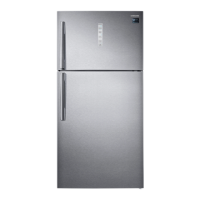
setting up your refrigerator
GETTING READY TO INSTALL THE REFRIGERATOR
Congratulations on the purchase of your Samsung Refrigerator. We hope you will enjoy the
many state-of-the-art features and efciencies that this new appliance has to offer.
Selecting the best location for the refrigerator
•
Select a location without direct exposure to sunlight.
•
Select a location with level (or nearly level) ooring.
•
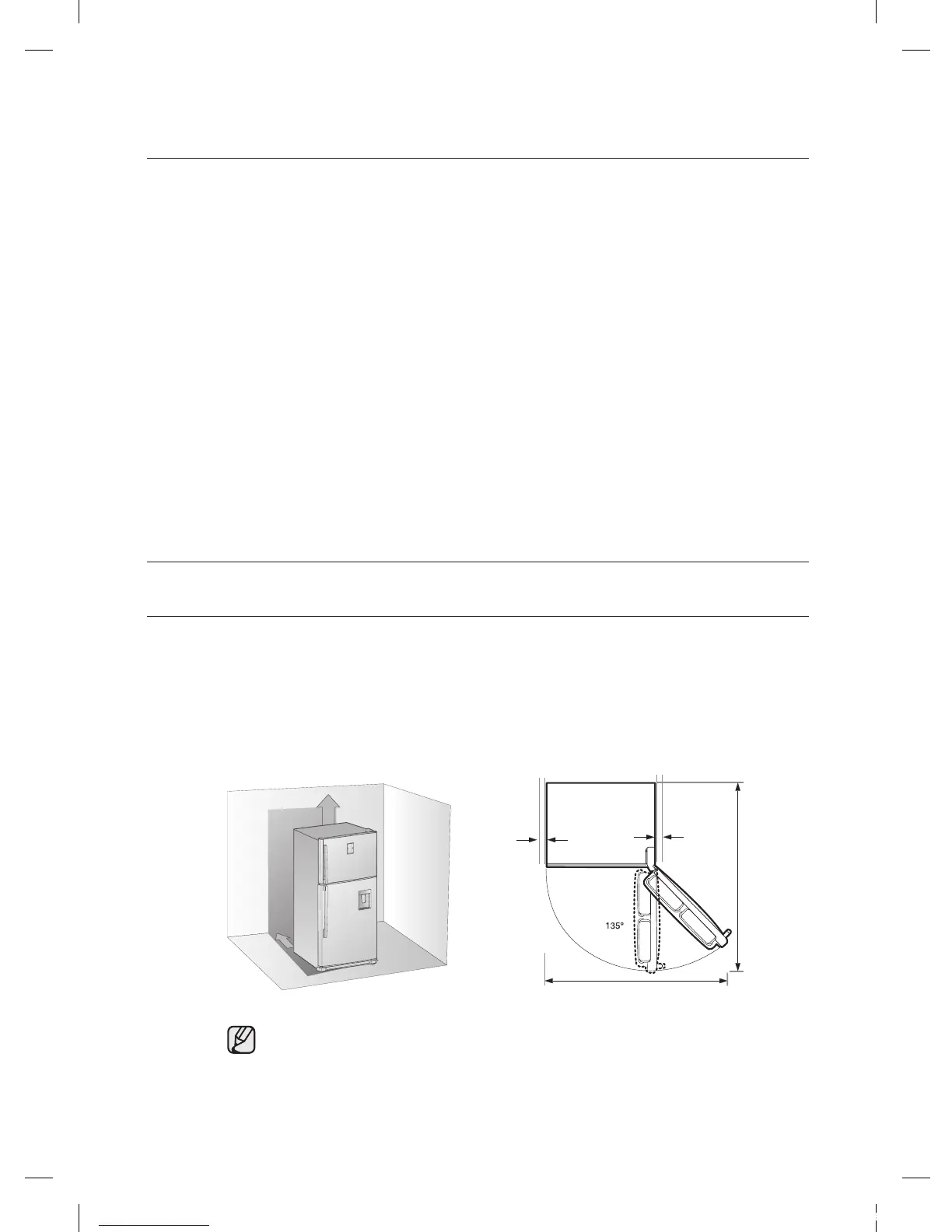
Select a location with enough space for the refrigerator doors to open easily.
- Overall space required in use. Refer to drawing and dimension as below.
SETTING UP YOUR
REFRIGERATOR
6
6 Getting ready to install the refrigerator
7 Leveling the refrigerator
7 Installing and Disassembling the door handle
8 Setting up the refrigerator
OPERATING THE SAMSUNG
REFRIGERATOR
8
8 Using the digital display
10 Controlling the temperature
12 Making ice
12 Using water dispenser
14 Removing the refrigerator accessories
TROUBLESHOOTING
15
contents
at least
50mm
1,440mm
1,495mm
at least
50mm
• Allow sufcient space to the right, left, back and top for air circulation.
This will help reduce power consumption and keep your energy bills lower.
• Do not install the refrigerator where the temperature will go below 10°C.
• Please ensure that appliance can be moved freely in the event of
maintenance & service.


 To Next Page