12 English
Before you start
Before you start
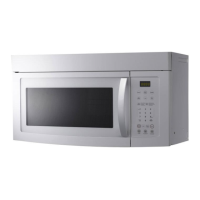
Sound On/Off
You can turn on or off the key tone, beep, or alarm. This setting is available only in
Standby state (when the current time is displayed).
To mute the sound, hold down for 3
seconds. “OFF” appears on the display.
To unmute the sound, hold down again
for 3 seconds. “ON” appears on the display.
Power saving
To reduce power consumption, press
for 1 second. This setting is available only
in Standby state (when the current time is
displayed).
NOTE
• When setting the oven after 5 minutes of user inactivity, the oven cancels any
ongoing operation and enters Standby state.
• If the oven is paused for over 25 minutes while cooking, the oven enters
Standby state.
Before you start
There are a couple of components that you should know before going directly to
a recipe. Before or during any cooking mode, you can set/change the clock or the
kitchen timer to your needs.
Clock
It is important to set the correct clock time to ensure correct automatic operations.
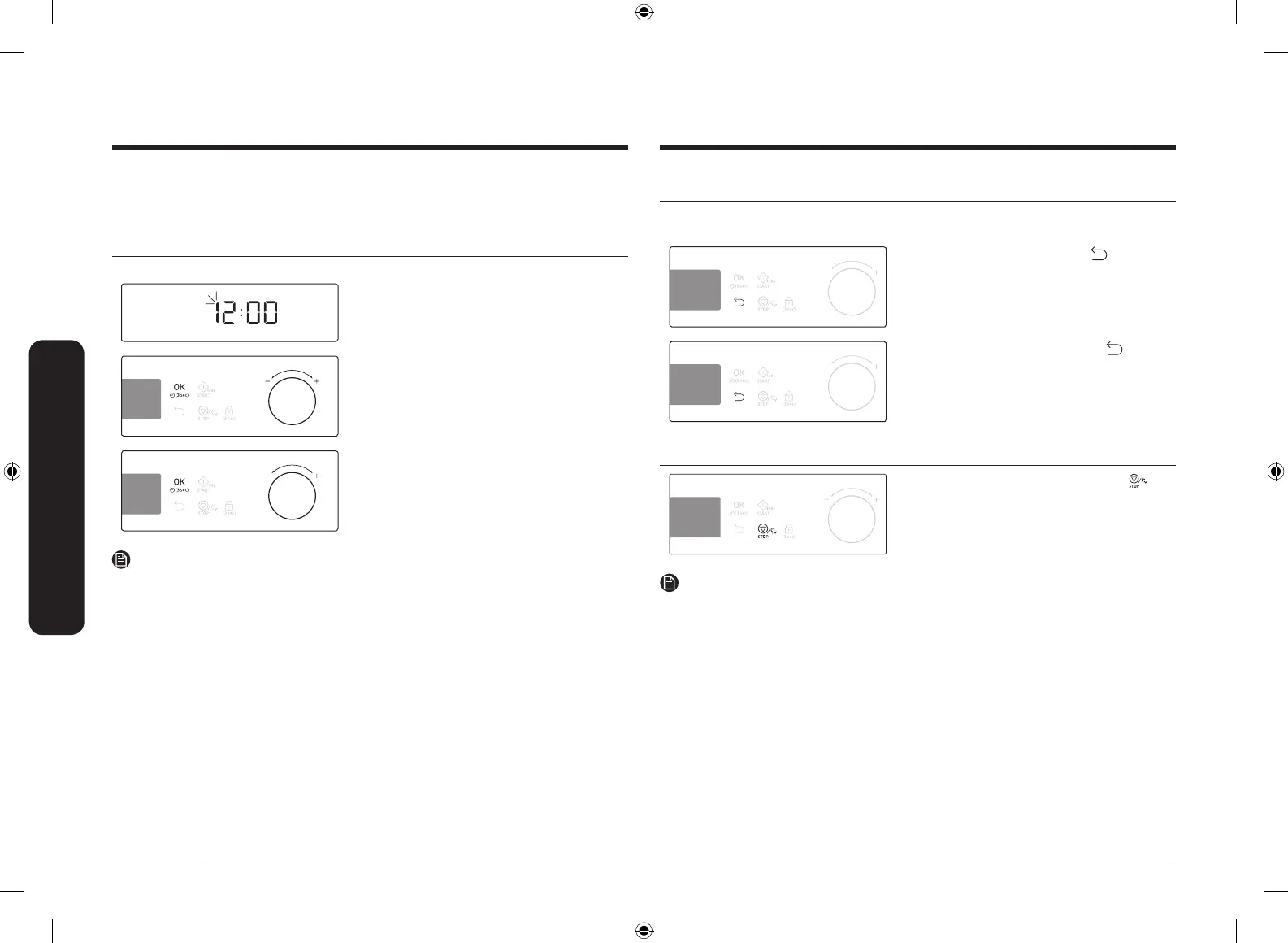
1. Turn on the oven and wait for a few
seconds to enter Standby state. The
hour element blinks.
2. Use the value dial to set the hour, and
then press OK. The minute element
blinks.
3. Use the value dial to set the minute,
and then press OK.
NOTE
• To change the current time later, press and hold OK for 3 seconds and follow
the above steps.
• The clock time cannot be changed during operations.
SAMI12_DE68-04336G-02_EN.indd 12 2015-11-10 11:27:09



 To Next Page