English 15
Operations
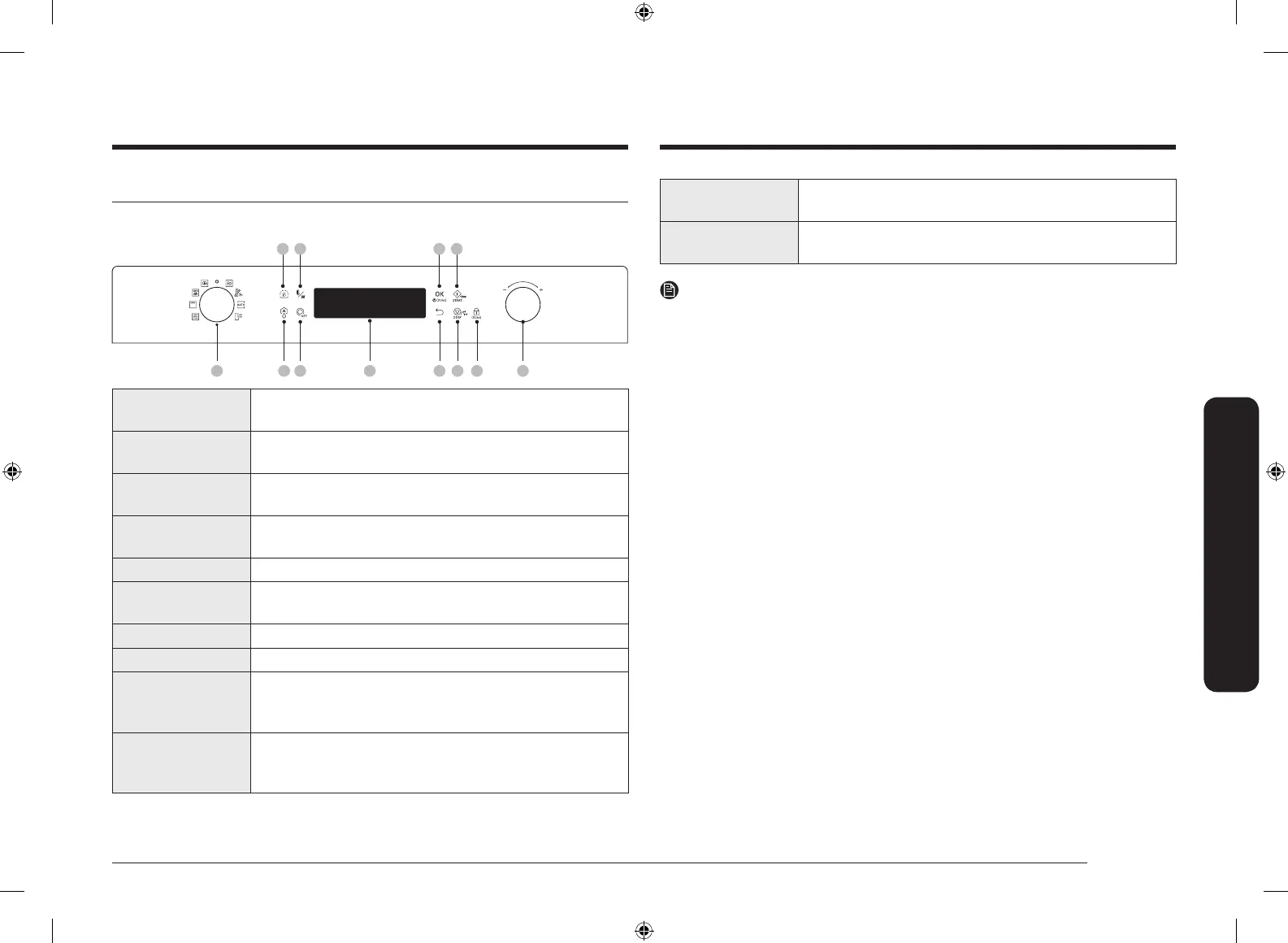
11 Child Lock Press and hold for 3 seconds to activate or deactivate.
Child Lock is available only in Standby state.
12 Value dial Turn the value dial to adjust the setting value for your
selection. Turn to + to increase, or turn to - to decrease.
NOTE
• Standby state: After 5 minutes of inactivity on the control panel, the oven
enters Standby state where only the current time is displayed. After 25 more
minutes of inactivity, the oven enters Stop state.
Operations
Control panel
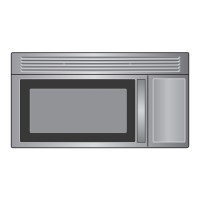
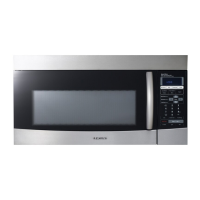
The front panel comes in a wide range of materials and colours. For improved
quality, the actual appearance of the oven is subject to change without notice.
01 03 05 0806
09
10 11 12
070402
01 Mode dial Turn the mode dial to select a desired cooking mode or
function.
02 Keep warm Use this only for keeping foods warm that have just been
cooked.
03 Power Defrost The oven offers 5 defrosting programmes for your
convenience.
04 Temperature/
Power Level
Use to change the temperature or power level.
05 Turntable Press to toggle on and off the turntable.
06 Display Shows necessary information of selected function or
settings.
07 OK Press to conrm your settings.
08 Back Press to return to the default setting.
09 Start Press to start operation. This button is also used to cook
with microwave energy for 30 seconds at maximum
power level.
10 Stop/Power
(Eco)
Press to turn the oven on. During operation, press once
to stop operation, twice to cancel the current mode, three
times to turn the oven off for power saving.
SAMI12_DE68-04336G-02_EN.indd 15 2015-11-10 11:27:10



 To Next Page