English 21
Operations
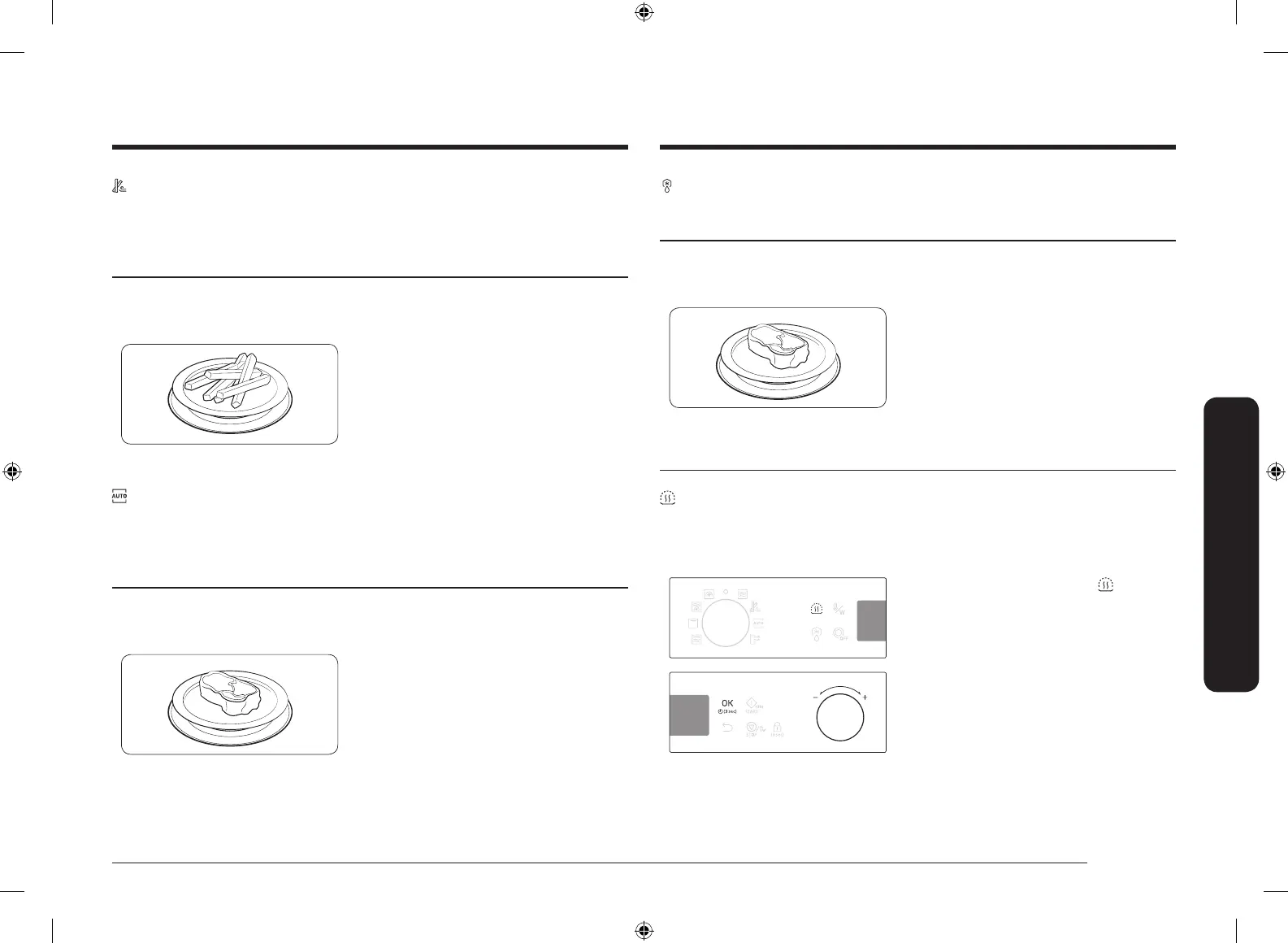
Power Defrost
The oven offers 5 defrosting programmes for your convenience. The time and
power level are automatically adjusted according to the selected programme.
Step 1
>
Step 2
>
Step 3
Power Defrost 1 to 5 weight
1. Put food in suitable cookware, then on
the turntable, and then close the door.
2. Follow steps 1-3 in the Auto mode on
page 20.
3. When cooking is complete, “0:00”
blinks. Use oven gloves to take out
food.
Special functions
Keep Warm
With this function, only the convection heating element operates, and it cycles on
and off to keep food warm.
When cooking is complete,
1. On the feature panel, press . The
default temperature (60 °C) blinks.
2. Use the value dial to adjust the
temperature, and then press OK to
move to the time element.
Slim Fry
The oven offers 12 programmes for your convenience. You can use less
oil compared to frying with an oil fryer and still get tasty results. Slim Fry
programmes run with a combination of convection, top heating elements and/or
microwave energy.
Step 1
>
Step 2
>
Step 3
Slim Fry 1 to 12 Serving size
1. Put food in suitable cookware, then on
the turntable, and then close the door.
2. Follow steps 1-3 in the Auto mode on
page 20.
3. When cooking is complete, “0:00”
blinks. Use oven gloves to take out
food.
Auto Cook
For cooking beginners, the oven offers a total of 20 auto cooking programmes.
Take advantage of this feature to save you time or shorten your learning curve.
The cooking time and temperature will be adjusted according to the selected
recipe.
Step 1
>
Step 2
>
Step 3
Auto 1 to 20 Serving size
1. Put food in suitable cookware, then on
the turntable, and then close the door.
2. Follow steps 1-3 in the Auto mode on
page 20.
3. When cooking is complete, “0:00”
blinks. Use oven gloves to take out
food.
SAMI12_DE68-04336G-02_EN.indd 21 2015-11-10 11:27:19



 To Next Page