English_31
● CAMERA OPERATION
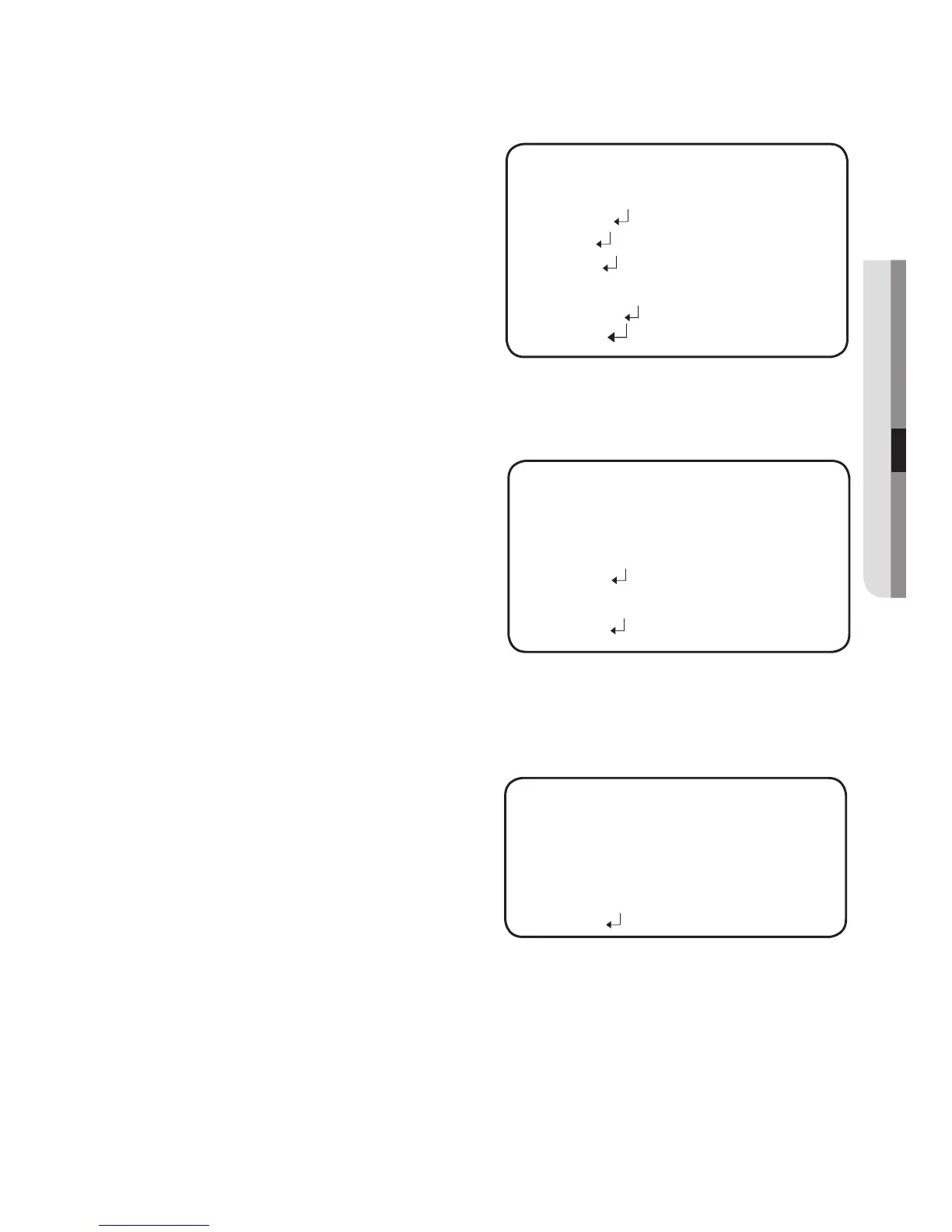
INTELLIGENCE : Set the intelligent
video detection
function.
SENSITIVITY : Set the sensitivity
of the motion
detection. When
you adjust the
higher level, the
more sensitive.
DET. SIZE : Selects an object size to detect on the screen.
FENCE
SEL FENCE : You can select
up to 4 FENCE.
MODE : Determines whether
to use the fence
selected in the
FENCE.
TYPE : Two types, line and
area, of fences are
available.
POSITION : Defines the position and detection direction of a line or fenced
area.
1) LINE FENCE
SEL POS : Selects a
position from
POS1,POS2.
X POS / Y POS :
Adjust the size and
position of the selected
line fence.
DIRECTION
RIGHT : Detects objects moving left to right on the fence line.
LEFT : Detects objects moving right to left on the fence line.
RIGHT/LEFT : Detects all objects moving crosswise on the fence line.
RETURN : Return to the VIRTUAL FENCE menu.
-
-
-
-
-
VIRTUAL FENCE
▶
1.
SEL FENCE
FENCE1
2.
MODE
OFF
3.
TYPE
LINE
4.
POSITION
5.
COUNT
OFF
6.
RETURN
INTELLIGENCE
▶
1.
SENSITIVITY
----
----
5
2.
DET. SIZE
3.
FENCE
4.
APPEAR
5.
INDICATOR
OFF
6.
ALARM OUT
7.
RETURN
LINE FENCE
▶
1.
SEL POS
POS1
2.
X POS
----
----
50
3.
Y POS
--------
1
4.
DIRECTION
RIGHT
5.
RETURN



 To Next Page