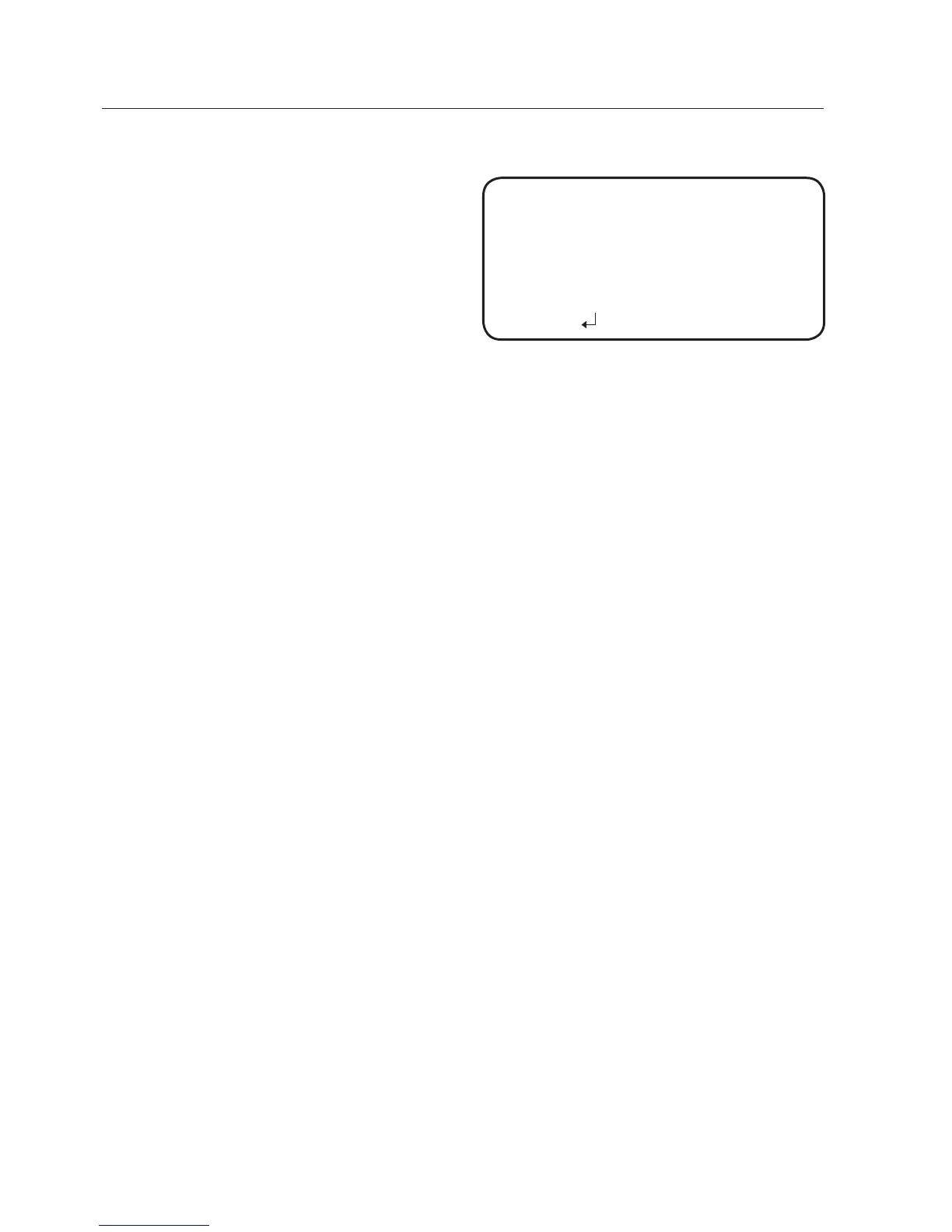
2) AREA FENCE
SEL POS : Selects a
position from
POS1 ~ POS4.
X POS / Y POS : Adjust
the size and position of the
selected area fence.
DIRECTION
IN : Detects objects
entering the fenced area.
OUT : Detects objects exiting the fenced area.
IN/OUT : Detects all objects entering and exiting the fenced area.
RETURN : Return to the VIRTUAL FENCE menu.
COUNT : Displays how many times a subject passes over the fence on
the screen.
RETURN : Return to the INTELLIGENCE menu.
APPEAR : Detects an object that emerges or disappears from the screen, or
stays onscreen without movement.
INDICATOR : Outlines an object on the screen in a box when its movement
matches a custom Motion Type.
In the following cases, the appear/indicator may malfunction.
- When multiple movements occur randomly
- When a fixed object keeps moving in the same location
- When a new object covers an object with changes
ALARM OUT : When object movement is detected, the detection signal will
be outputted.
EXTERNAL : Send signals through external terminals.
OSD : Display signals on the screen.
RETURN : Return to the INTELLIGENCE menu.
RETURN : Return to the VIDEO ANALYTICS menu.
Before use, set the max/min movement size within the range.
Depending on the shape of an object, there can be errors in size detection.
From the top of the screen, a max of sixteen objects can be expressed.
-
-
-
-
M
M
AREA FENCE
▶
1.
SEL POS
POS1
2.
X POS
--
------
25
3.
Y POS
--
------
25
4.
DIRECTION
IN
5.
RETURN



 To Next Page