Playback
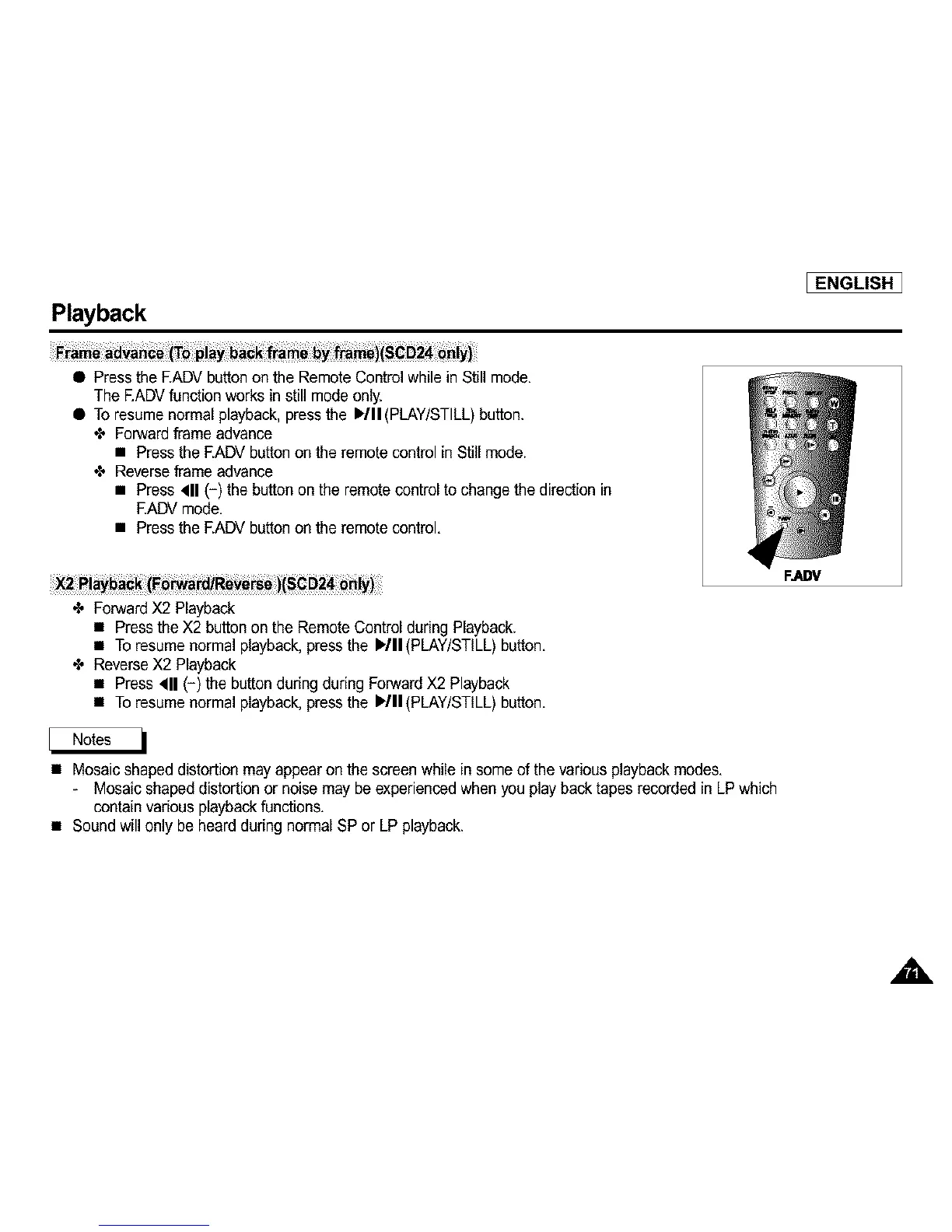
• Press the EADV buttonon the Remote Controlwhile in Still mode,
The EADVfunction works instill mode only.
• To resume normal playback,press the )/11 (PLAY/STILL)button.
4, Forward frame advance
• Press the EADV button on the remote control in Still mode.
4, Reverseframe advance
• Press 411(-) the button on the remotecontrol to change the direction in
EADV mode,
• Press the EADV button on the remote control,
[ENGLISH]
4, ForwardX2 Playback
• Press the X2 button on the Remote Control during Playback.
• To resume normal playback, pressthe I_/II(PLAY/STILL) button,
4, ReverseX2 Playback
• Press 411(-) the buttonduring during ForwardX2 Playback
• To resume normal playback, pressthe I_/II(PLAY/STILL) button,
• Mosaic shaped distortion may appear on the screenwhile in some of the various playback modes,
- Mosaic shaped distortion or noise may be experienced when you play backtapes recorded in LPwhich
containvarious playbackfunctions,
• Sound will only be heard during normal SP or LP playback.
FJ=DV



 To Next Page