Need help?
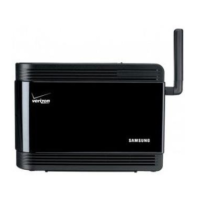
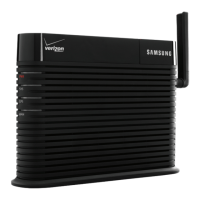
Do you have a question about the Samsung SCS26UC4 and is the answer not in the manual?
Details the necessary internet and hardware requirements for the device.
Provides instructions for the initial setup and installation of the device.
Explains the steps to activate the network extender service.
Guides on installing and positioning the external GPS antenna for optimal signal reception.
Outlines basic guidelines for safe operation and maintenance of the base station.
Highlights hazards from electric current and cable connections, and fire prevention.
 General
| Model Number | SCS26UC4 |
|---|---|
| Category | Extender |
| Power Supply | 100-240V AC, 50/60Hz |
| Operating Temperature | 0°C to 40°C |
| Antenna Gain | 2 dBi |

 To Next Page