Your phone
14
Displays
Main display
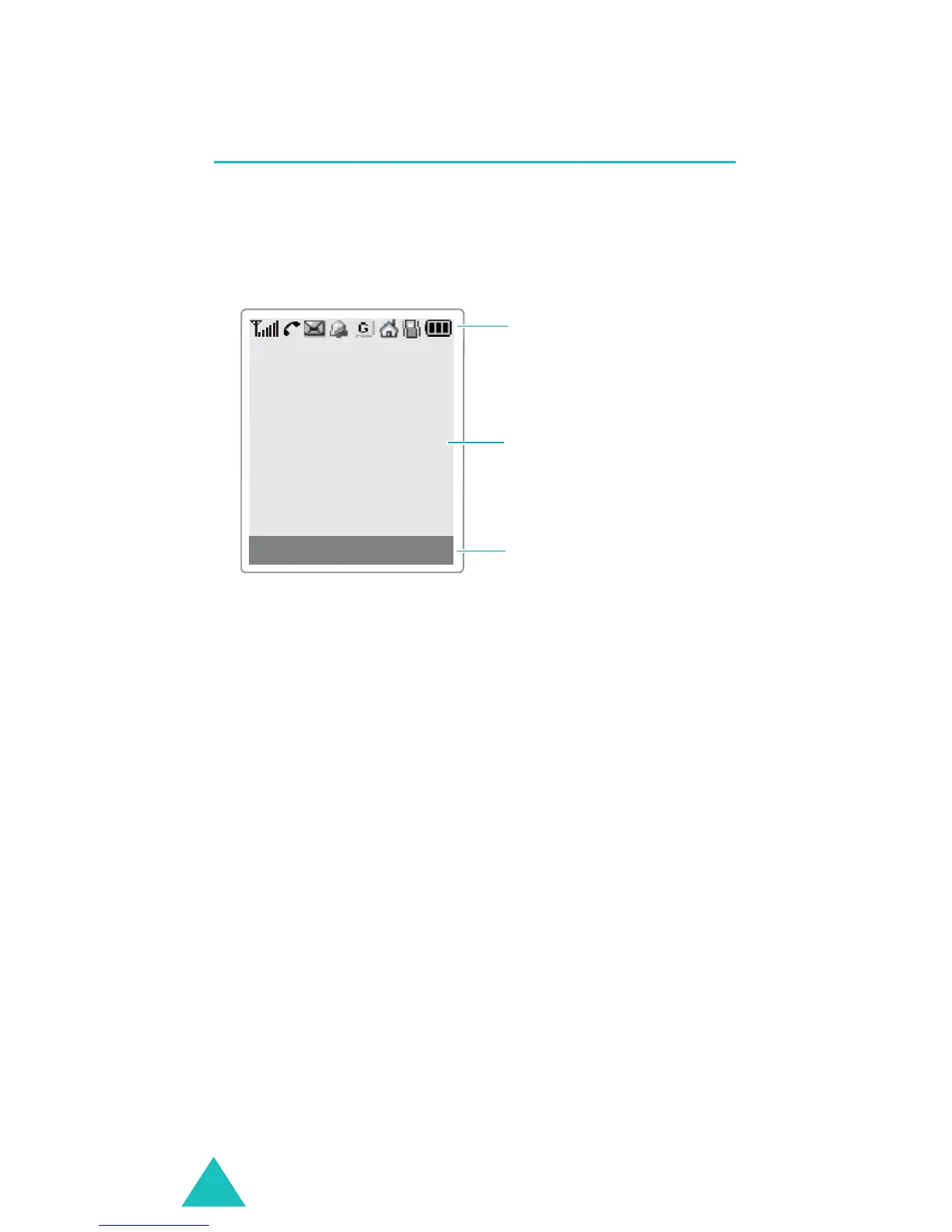
The display has three areas:
Area Description
First line Displays various icons. See
page 15.
Middle Display messages, instructions,
and any information that you
enter, such as a number to be
dialled.
Last line Shows the functions currently
assigned to the two soft keys.
Menu Phonebook
Icons
Text and
graphic area
Soft key Indications



 To Next Page