Call functions
32
When you hear a sound, such as a ringtone, you
can also adjust the earpiece volume. However, the
volume adjustment will not be permanent.
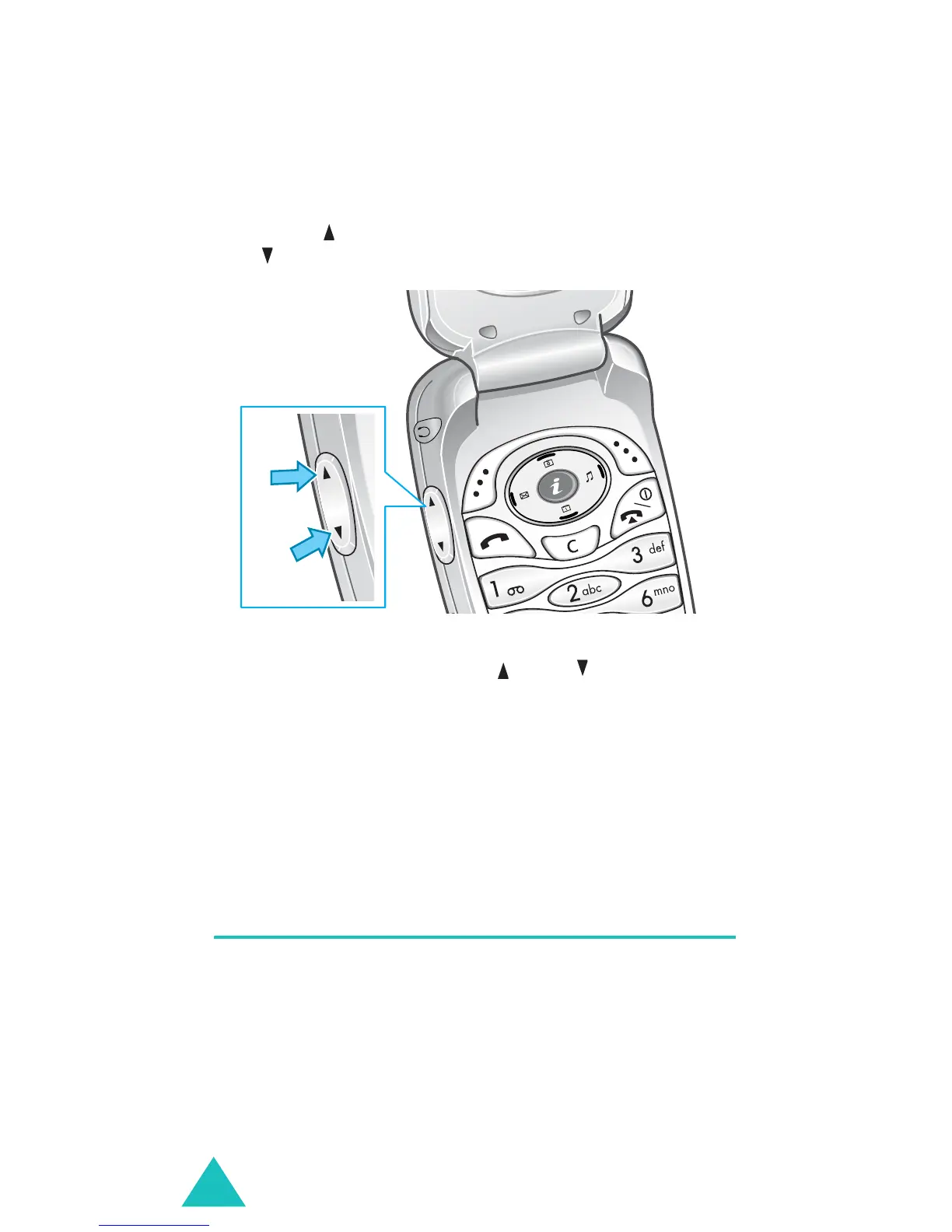
Press the key to increase the volume level and
the key to decrease it.
In idle mode with the folder open, you can adjust
the key tone volume using and keys.
Note
: When a call comes in, you can reject the call or
mute the call ringer by pressing and holding
one of the volume keys, depending on the
Side
key
option settings
(
Menu 9.8
)
. For further
details, see page 160.
Accessing options during a call
Your phone provides a number of control functions
that you can use during a call.
Using the loudspeaker
You can speak and listen to the phone from a short
distance without holding the phone to your ear.



 To Next Page