Your phone
18
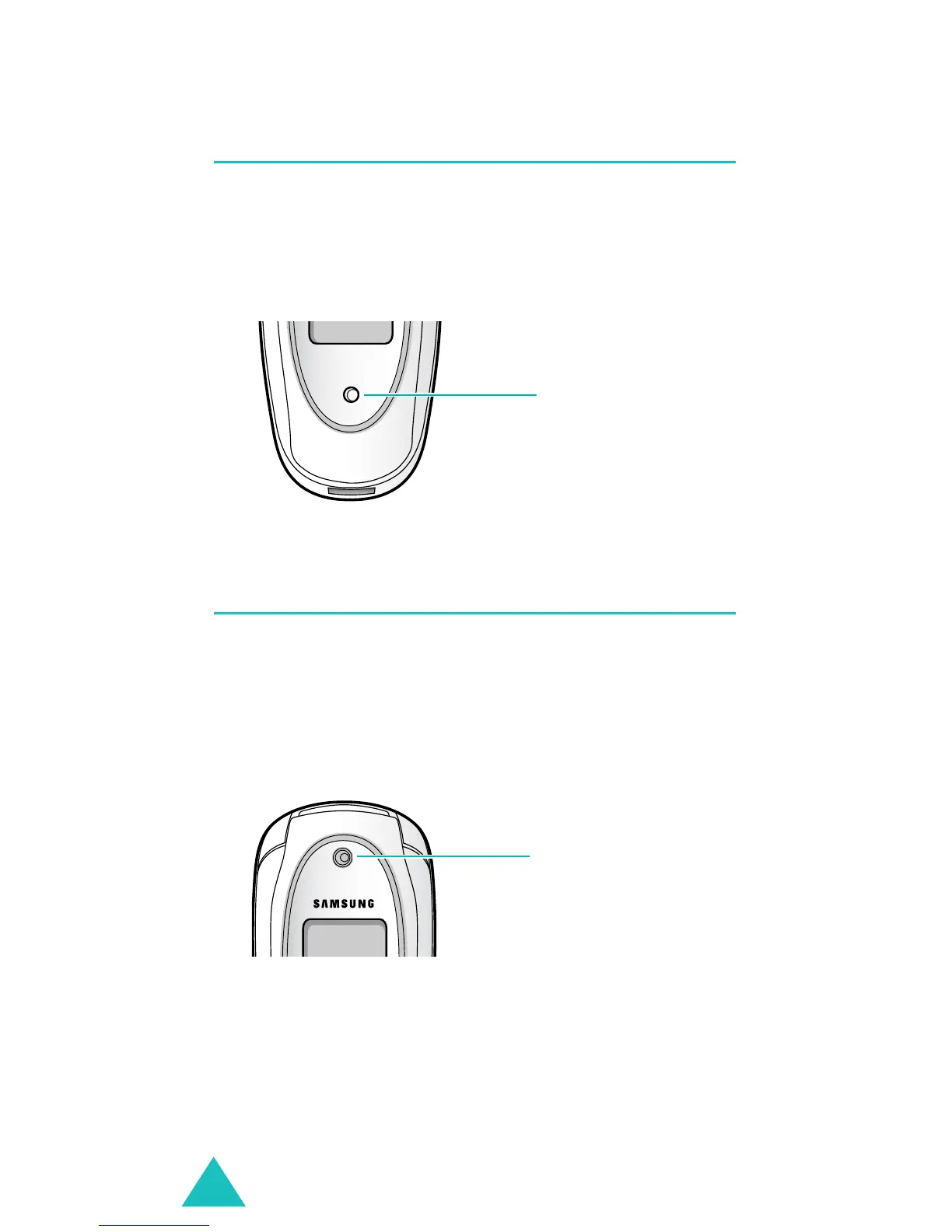
Service light
The service light is on the folder. It flashes when
services are available on the phone.
To activate or deactivate the service light, set the
Service light
menu (
Menu 9.1.6
). See page 155.
Camera
The camera embedded in your phone allows you to
take a picture of people or events while on the
move.
For further details about using the Camera feature,
see page 143.
Service light
Camera



 To Next Page