Getting started
22
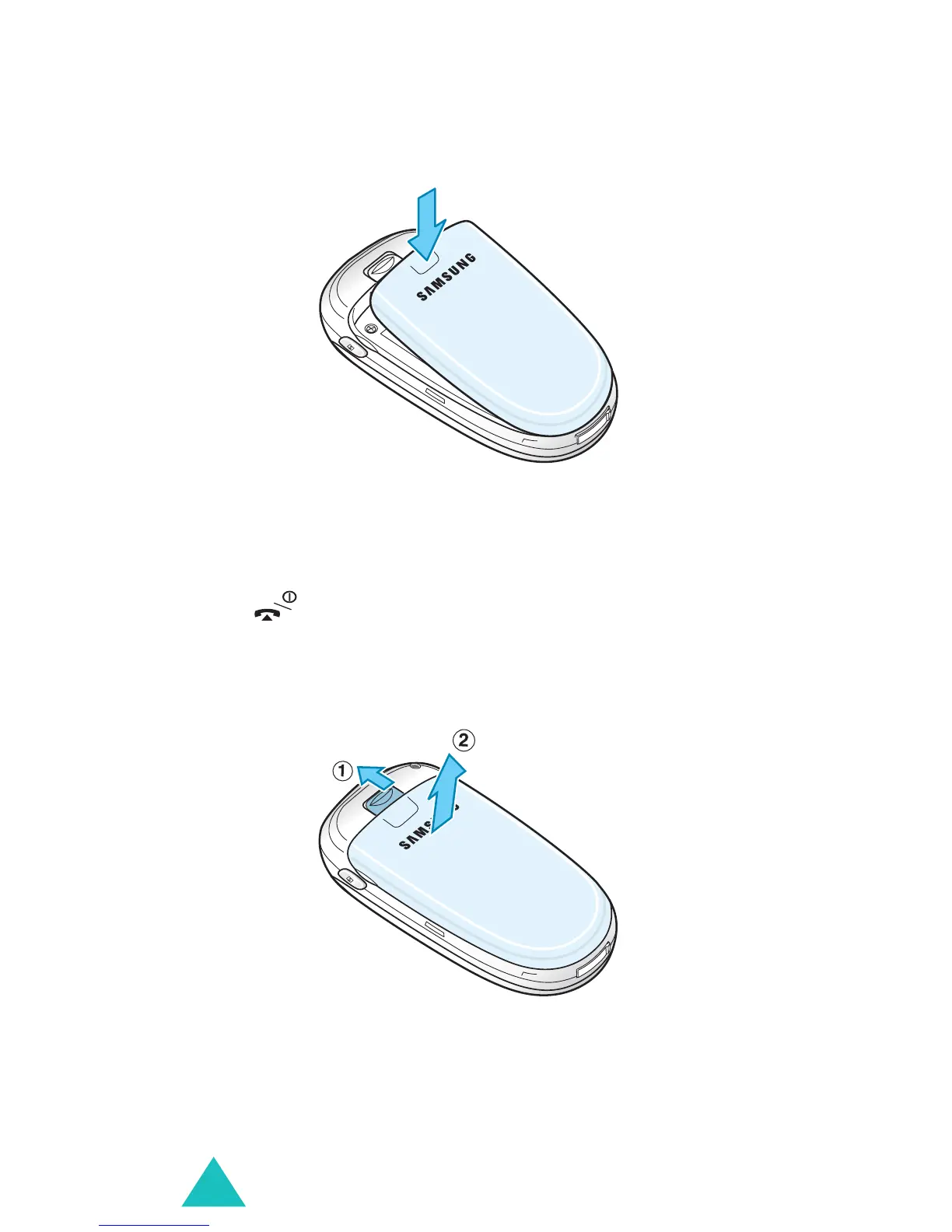
2. Press the battery against the back of the phone
until it clicks into place.
Removing the battery
1. Switch off the phone by pressing and holding the
key.
2. To remove the battery, pull the battery catch
toward the top of the phone and hold it in that
position. Lift the battery away from the phone.



 To Next Page