Your phone
15
Icons
Icon Description
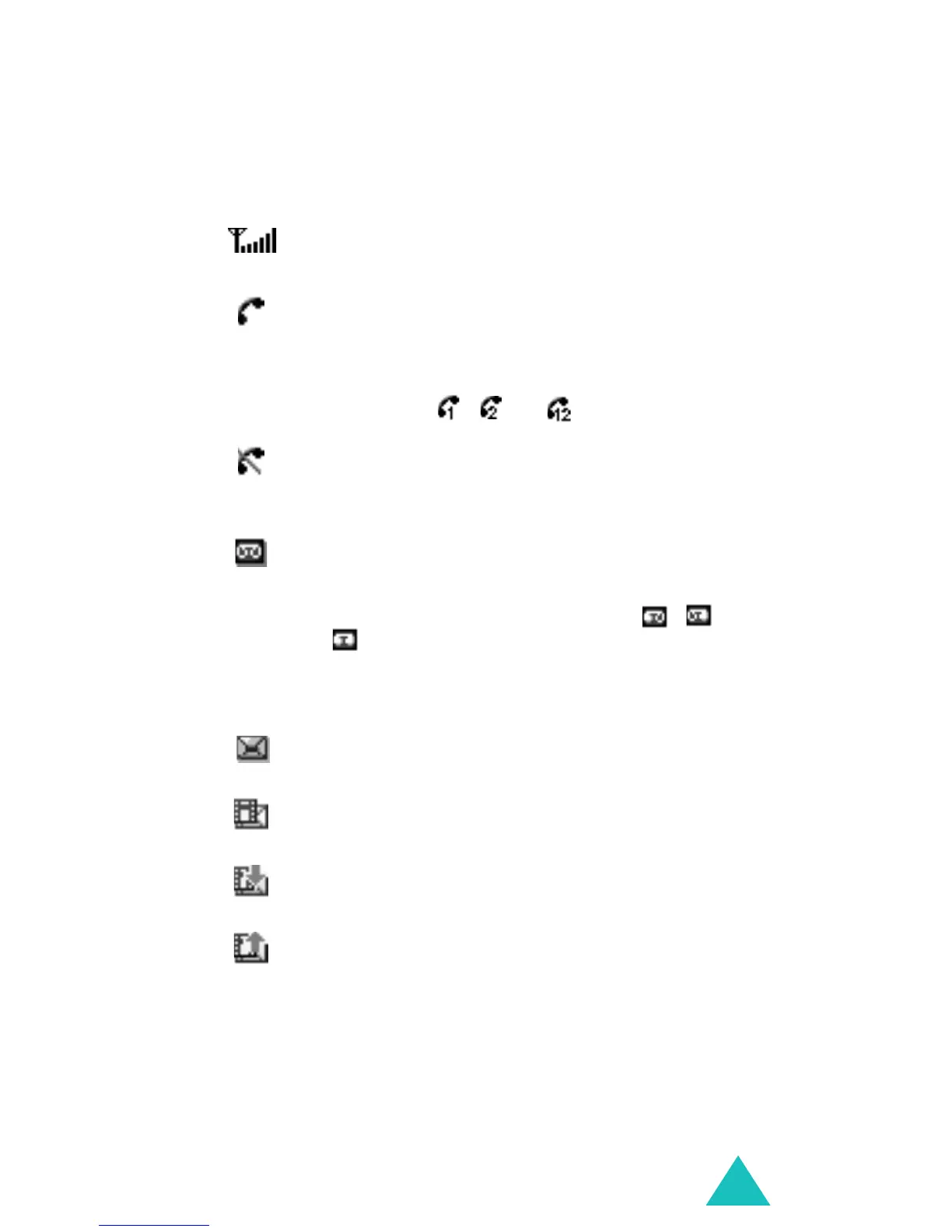
Shows the received signal strength. The
more bars, the stronger the signal.
Appears when a call is in progress. When
your SIM card supports ALS (Alternate
Line Service), this icon may appear with
the number 1, 2, or both.
For example , , or .
Appears when you are out of a service
area. When it displays, you cannot make
or receive calls.
Appears when you have new or
unchecked voice messages. When your
SIM card supports ALS (Alternate Line
Service), this icon may appear as , ,
or .
(This icon may be shown only if your
service provider supports this.)
Appears when you have new or unread
messages.
Appears when you have new or
unchecked multimedia messages.
Appears when you are retrieving a
multimedia message.
Appears when you are sending a
multimedia message.



 To Next Page