SAMSUNG Proprietary-Contents may change without notice
SGH-E530 Flow Chart of Troubleshooting
2-13
This Document can not be used without Samsung's authorization
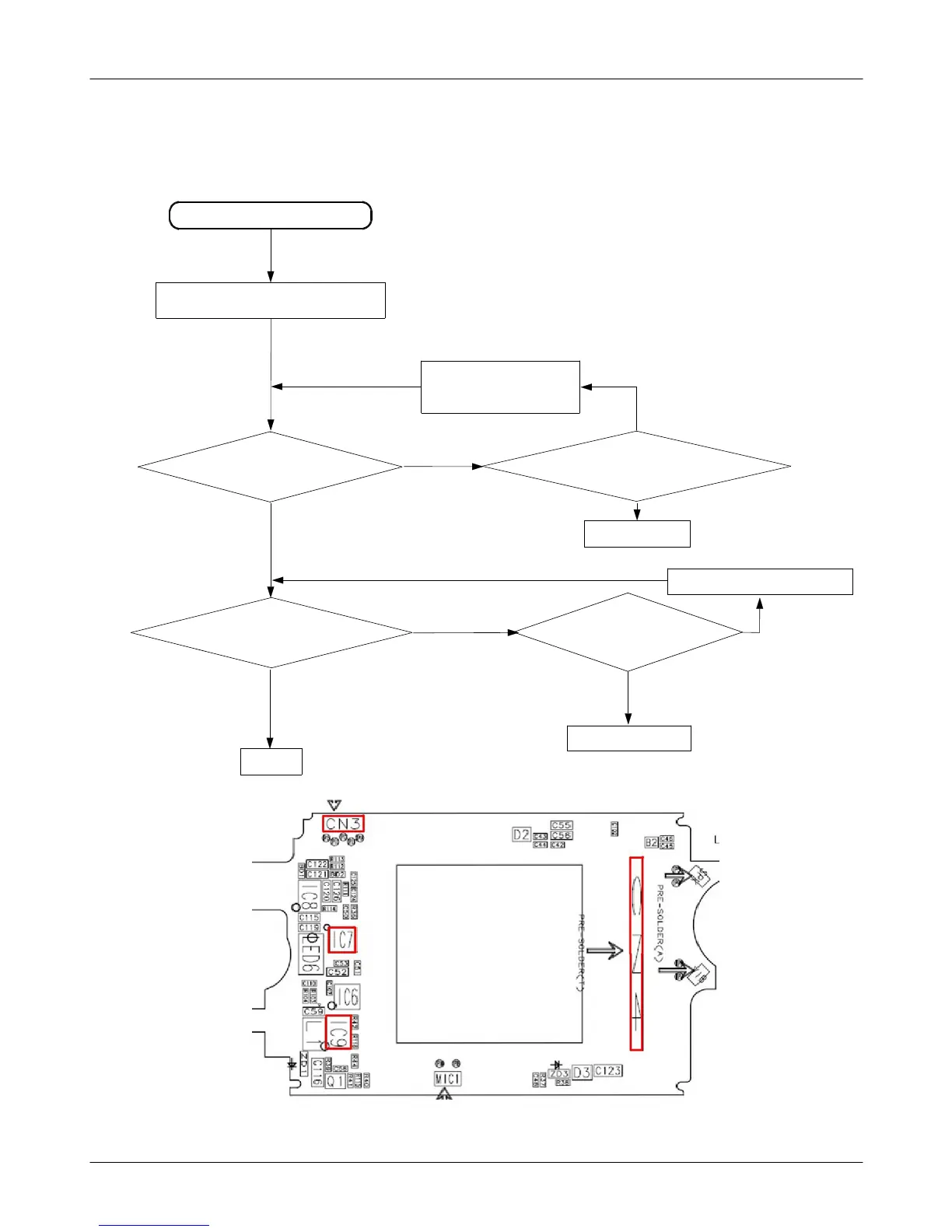
2-1-7. LCD PART
NO over 3V
YES under 3V
YES NO
LCD back light dose not work
Check the LCD CONNECTOR (CN501)
Check the LCD when
folder opened
Check the voltage of LCD
IC7 pin#1, 12, 14, 15, 16
It confirm LCD CN3 and
Battery linking situation.
Change LCD IC7
Check the SUB LCD
when folder closed
Check the VCC EL
Volt over the 16V?
Check the LCD CN4 connect.
Change the LCD IC9
END
No
No
Yes



 To Next Page