Get started
11
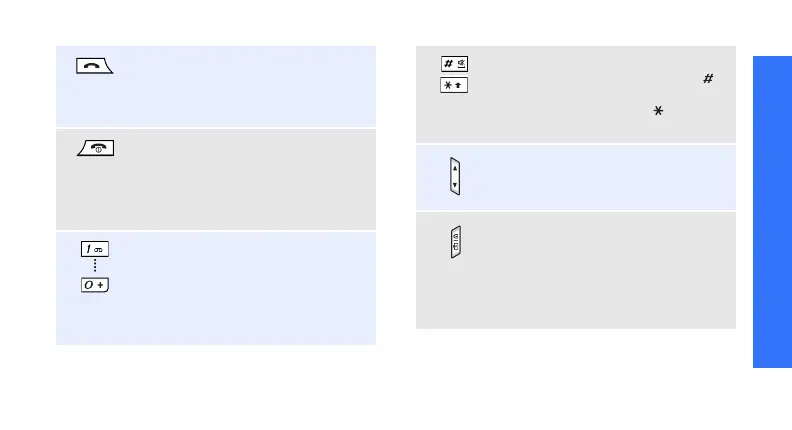
Make or answer a call.
In Idle mode, retrieve numbers
recently dialled, missed, or
received.
Press and hold to switch the phone
on or off.
End a call.
In Menu mode, cancel input and
return the phone to Idle mode.
Enter numbers, letters, and some
special characters.
In Idle mode, press and hold
[1]
to access your voicemail server.
Press and hold [
0
] to enter an
international call prefix.
Enter special characters.
In Idle mode, press and hold [ ]
to activate or deactivate Silent
mode. Press and hold [ ] to enter
a pause between numbers.
Adjust the phone volume.
In Idle mode, adjust the key tone
volume.
In Idle mode, press and hold to
turn on the camera.
In Camera mode, take a photo or
record a video.
In Idle mode, lock or unlock the
keypad.





 To Next Page