Get started
14
Access menu functions
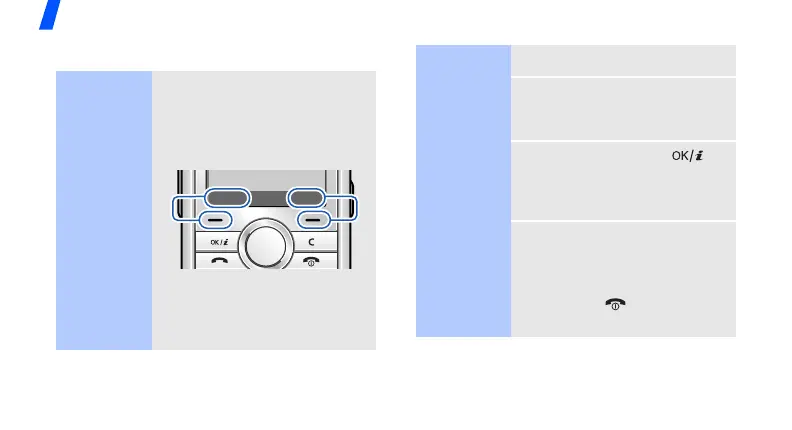
Use the soft
keys
The roles of the soft keys vary
depending on the function you
are using. The bottom line of
the display indicates their
current role.
Press the left soft
key to select the
highlighted option.
Press the right
soft key to return
to the previous
menu level.
Select Back
Select an
option
1. Press a desired soft key.
2. Press the Navigation keys to
move to the next or previous
option.
3. Press <
Select
> or [ ] to
confirm the function
displayed or option
highlighted.
4. To exit, choose either of the
following methods.
•Press <
Back
> to move
up one level.
• Press [ ] to return to
Idle mode.





 To Next Page