20
Step outside the phone
Begin with your camera, the music player, the web,
and other special features
Use the camera
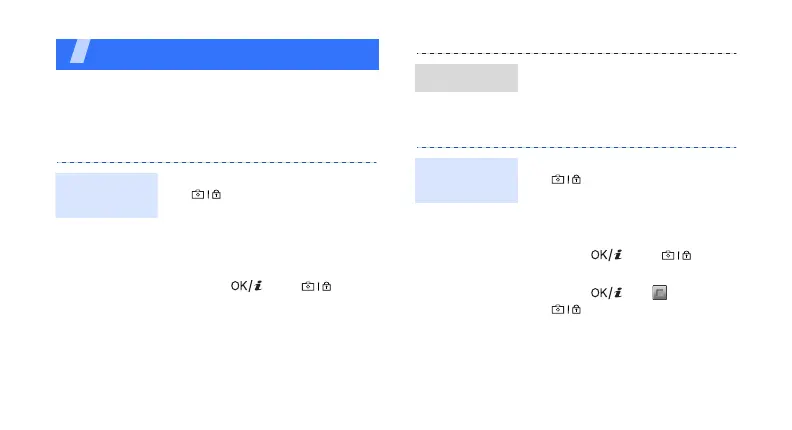
1. In Idle mode, press and hold
[ ] to turn on the
camera.
2. Aim the lens at the subject
and make any desired
adjustments.
3. Press [ ] or [ ] to
take a photo. The photo is
saved automatically.
4. Press <
Preview
> to take
another photo.
Take a
photo
1. In Idle mode, press
<
Menu
> and select
My files
→
Images
→
My photos
.
2. Select the photo you want.
1. In Idle mode, press and hold
[ ] to turn on the
camera.
2. Press [
1
] to switch to Record
mode.
3. Press [ ] or [ ] to
start recording.
4. Press [ ], < >, or
[] to stop recording.
The video is saved
automatically.
5. Press <
Preview
> to record
another video.
View a photo
Record a
video





 To Next Page