Table of Contents
●License Agreement
2
●Limited Liability
2
●Product Warranty
2
●Standards-Compliance Notice
3
●Cautions Before Use
4
●Table of Contents
6
●Product Features
7
●Part Names & Functions
7
●Pan / Tilt / Zoom Using Joystick
8
●System Requirements
9
●Installing the Controller
9
●Calibrating the Controller
10
●Troubleshooting
11
●Product Specifications
12
●Product Design
13
●Product Warranty
14
Product Features
Part Names & Functions
The SPC-2000 consists of a 3-axis handle for PTZ operation and 12 buttons for custom
settings. The SPC-2000 helps you to control monitoring cameras more easily and accurately.
It supports USB connection for convenient use in a computer environment. Connect it to the
USB port on a computer that supports DirectX; you can use it immediately, without extra
software installation.
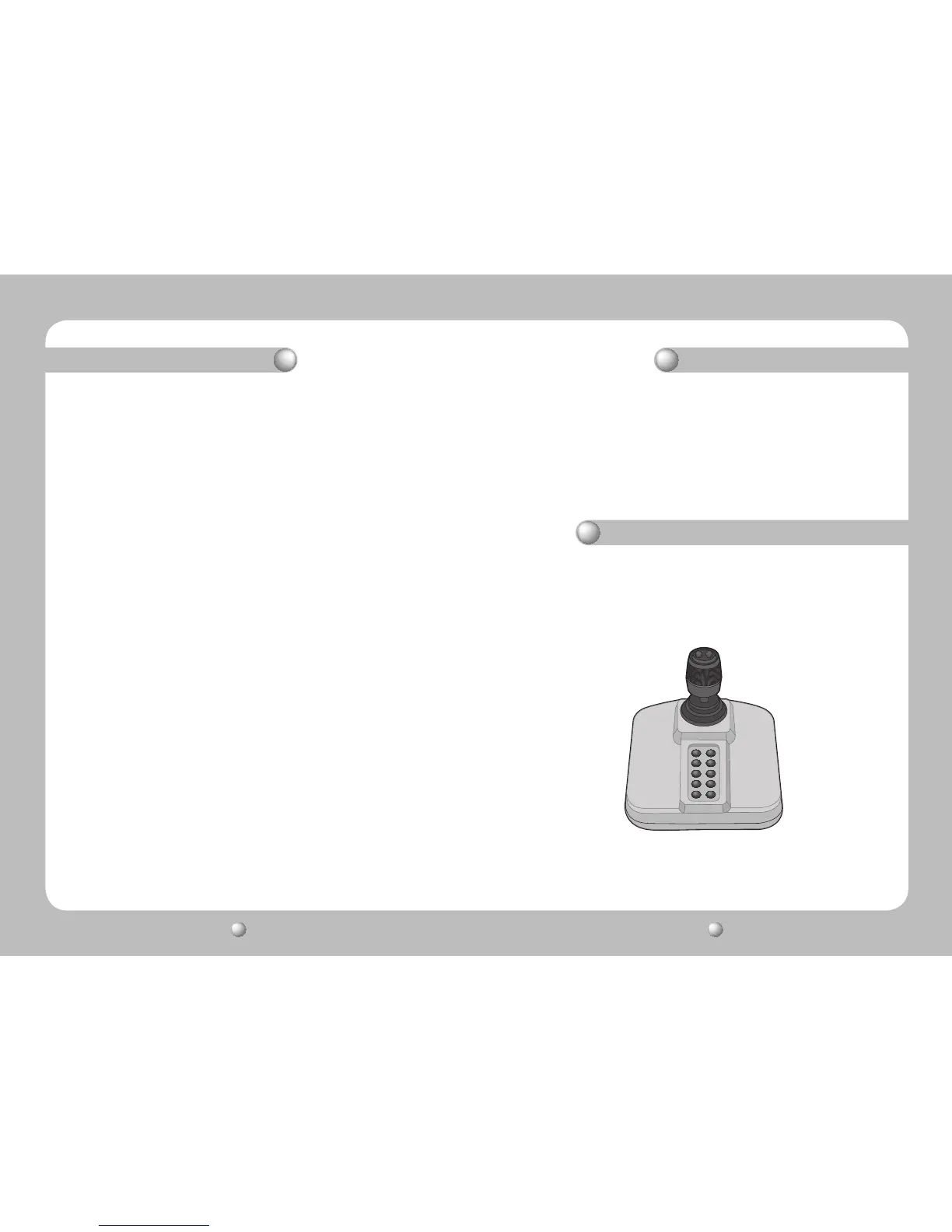
The SPC-2000 controller consists of a joystick and main unit. Pull the joystick left, right, up,
or down to control the Pan and Tilt operations. To zoom in or out on the screen, rotate it. 2
buttons are on the joystick, and the remaining 10 are on the main unit. You can configure the
buttons to perform functions in the pre-set settings.
Pic 1. SPC-2000















 To Next Page