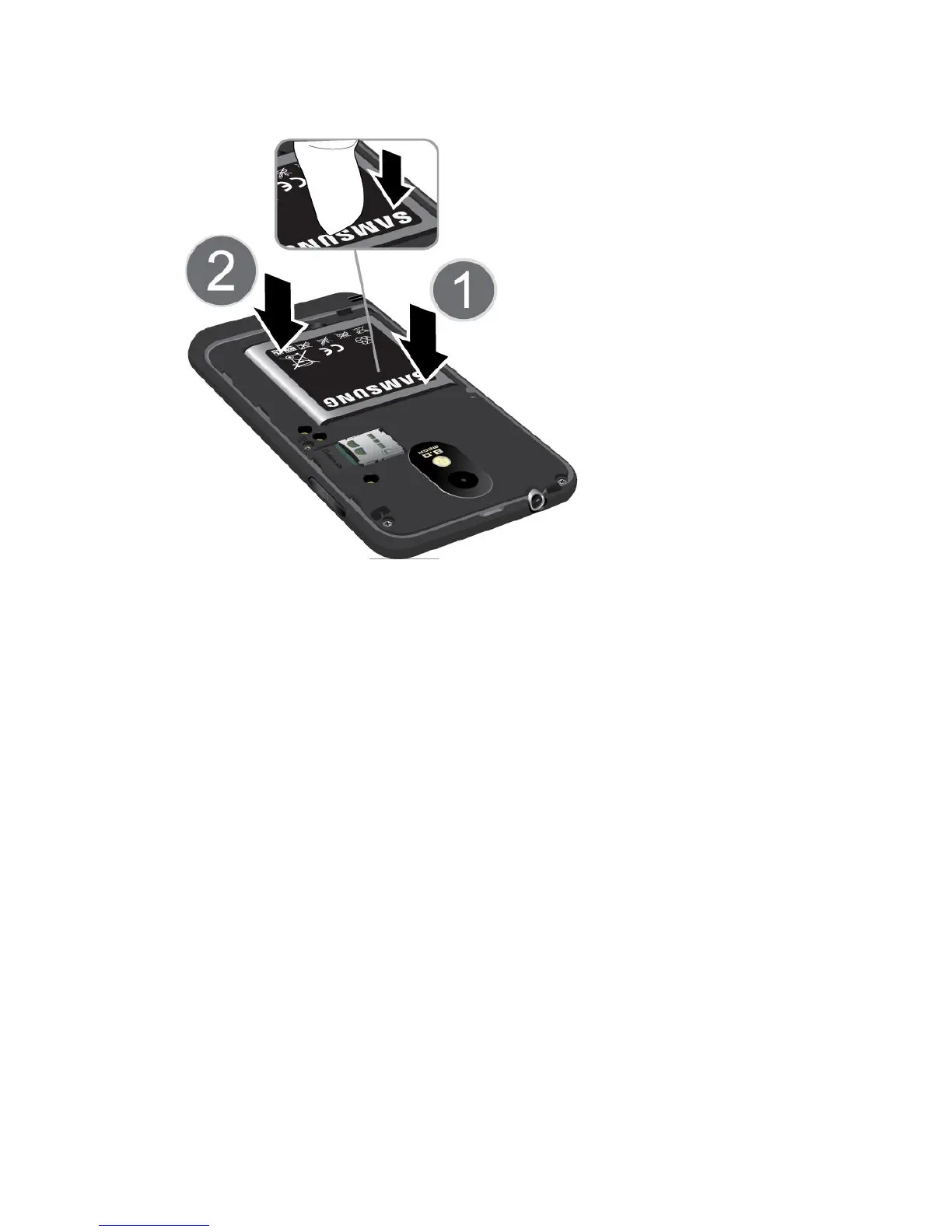
Get Started 2
3. Replace the battery compartment cover, making sure all the tabs are secure and there
are no gaps around the cover.
Note: When you insert the battery, your phone may power on automatically.
4. Plug the USB connector into the charger/accessory jack on the lower middle side of your
phone.
Warning! While the phone is charging, if the touch screen does not function due to an
unstable power supply unplug the USB power adapter from the power outlet or
unplug the USB cable from the phone.









 To Next Page