Phone Calls 30
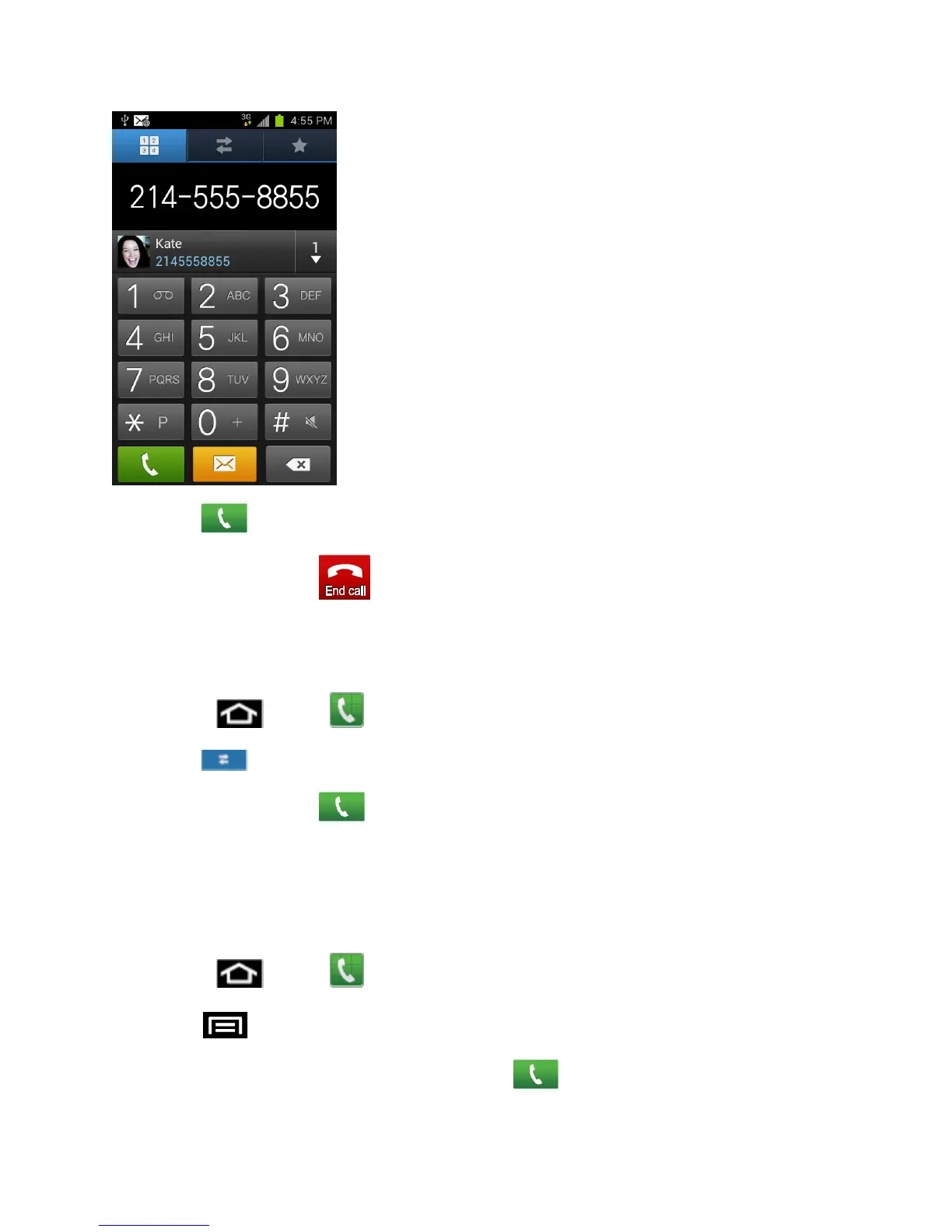
3. Tap to call the number.
4. To end the call, tap .
Call from Logs
The Logs list lets you quickly place calls to recent incoming, outgoing, or missed numbers.
1. Press and tap
to display the phone screen.
2. Tap to display the recent calls list.
3. Tap the phone icon next to a number or contact to place a call.
For additional options, tap the name or number.
Call from Contacts
You can place calls directly from your Contacts list using either of the following procedures.
1. Press and tap
to display the phone screen.
2. Tap > Contacts to display the Contacts list.
3. Tap the contact you want to call and then tap to place a call.









 To Next Page