Settings 49
3. Run Samsung Kies and follow the prompts to update your phone firmware.
4. Refer to Samsung Kies Help for more information.
Using Samsung Kies with a Mac
To connect your SD Card using a Mac OS:
1. Access www.android.com/filetransfer and follow the installation instructions.
2. Double-click the Android File Transfer application.
Note: After initially running the application, it will automatically display each time you connect
your phone to the computer.
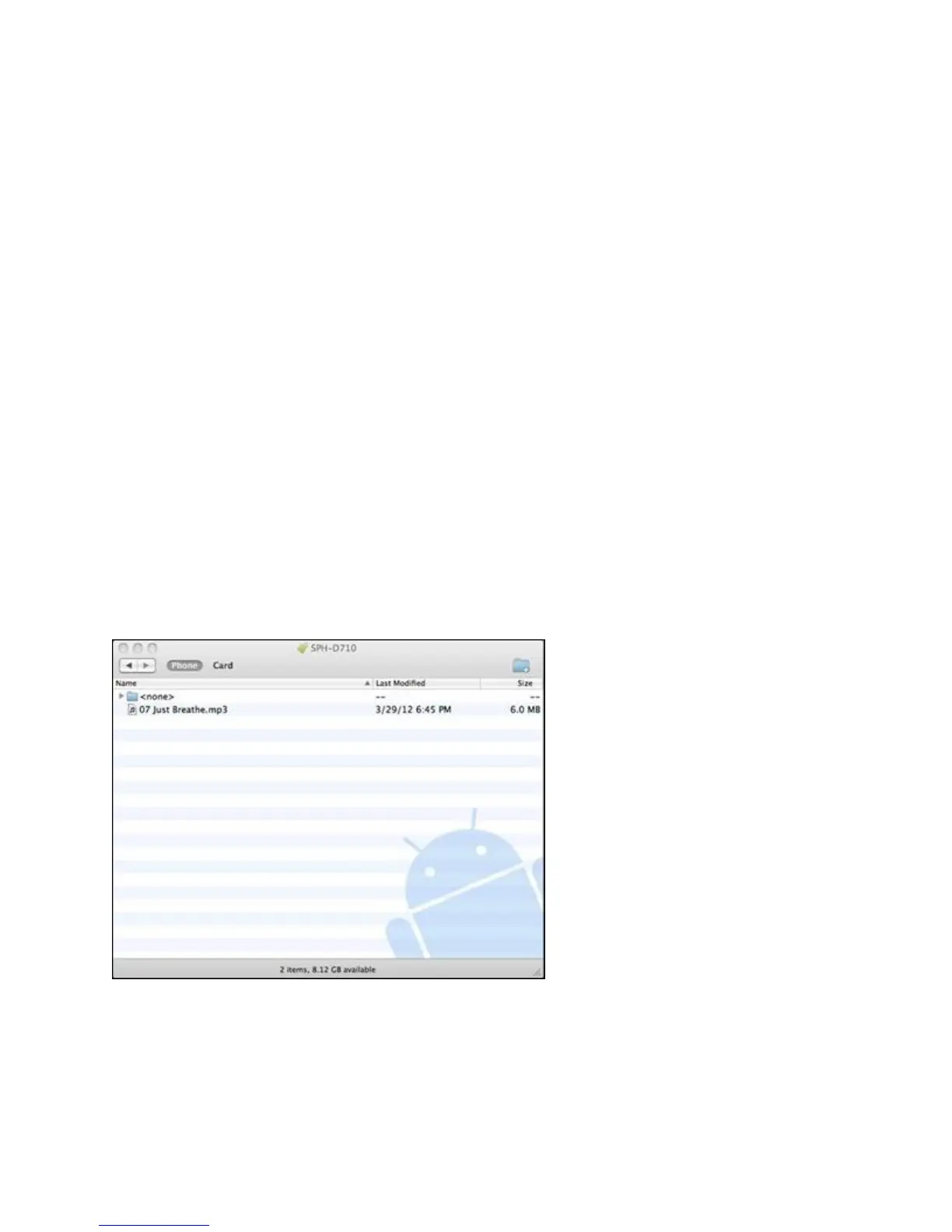
3. Connect the USB cable from your phone to your computer. A window will display your
phone contents.
4. To transfer files via MTP, pull down the task bar and select Connect as a Media
Device.
- or -
To transfer via PTP, pull down the task bar and select Connect as a Camera.
Note: The Phone and Card tabs are for phones with both internal and removable storage.
5. Drag and drop items to your phone. Items are stored in the root directory (i.e., the main
directory within no additional folder paths).
Using Samsung Kies with Linux
To connect your SD Card using a Linux OS:









 To Next Page