94_ web viewer
web viewer
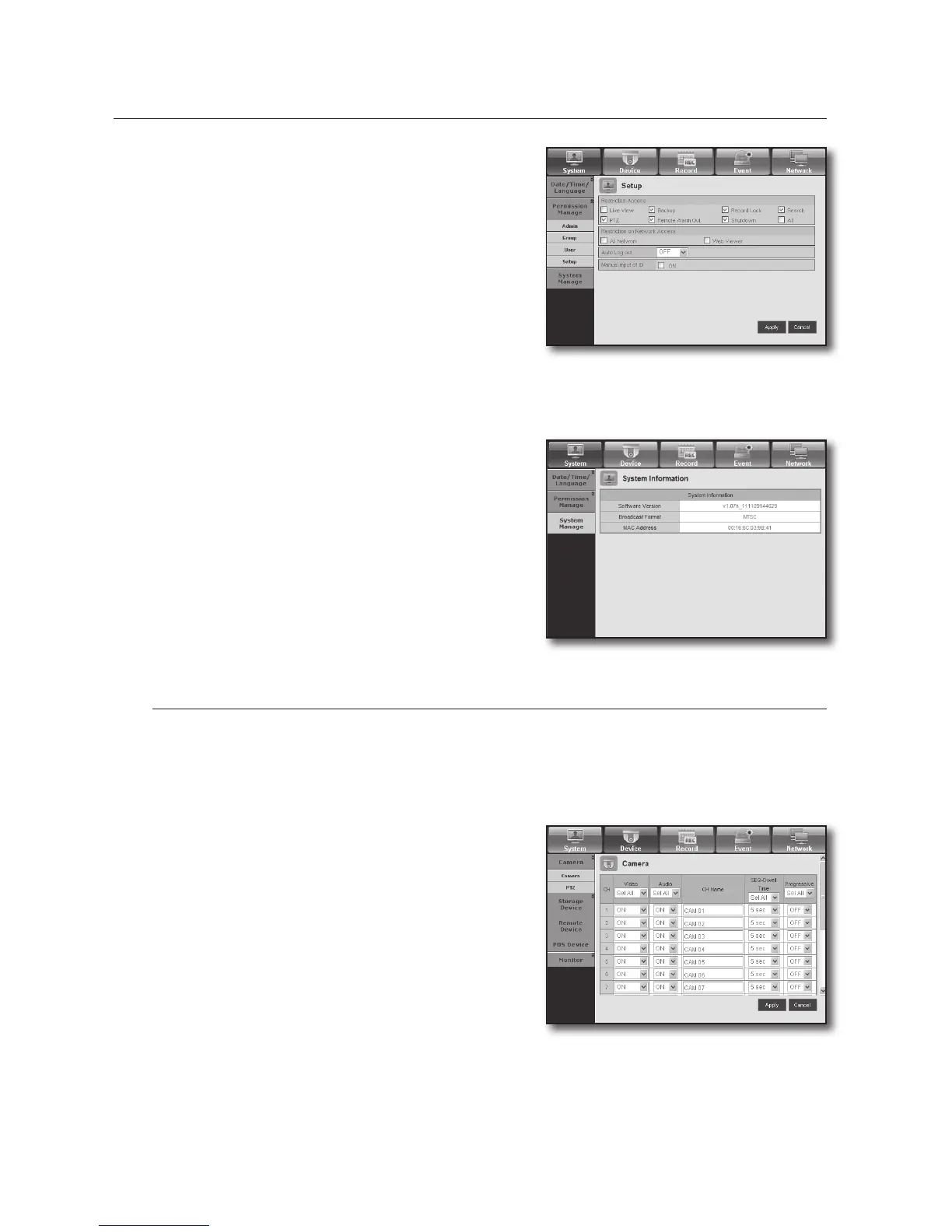
• Setup
You can set the user permission.
System Management
For more information, refer to <System Management> in the <System Setup> menu. (Page 44)
• System Information
You can see information of the current system.
Check the software version, broadcast format and
MAC address.
Device
You can check a list of devices that are connected to the DVR and configure the necessary settings.
Click <Device> in the menu screen.
For more information, refer to “Setting the Device”. (Page 48)
Camera
• Camera
You can configure the settings of the camera that is
connected to the DVR.
M
SRD-830/830D/830DC/1610/1610D/1610DC/1630/1630D/
1630DC supports 1~4 channels of sound inputs.


 To Next Page
 Loading...






