English - 25
OPERATING
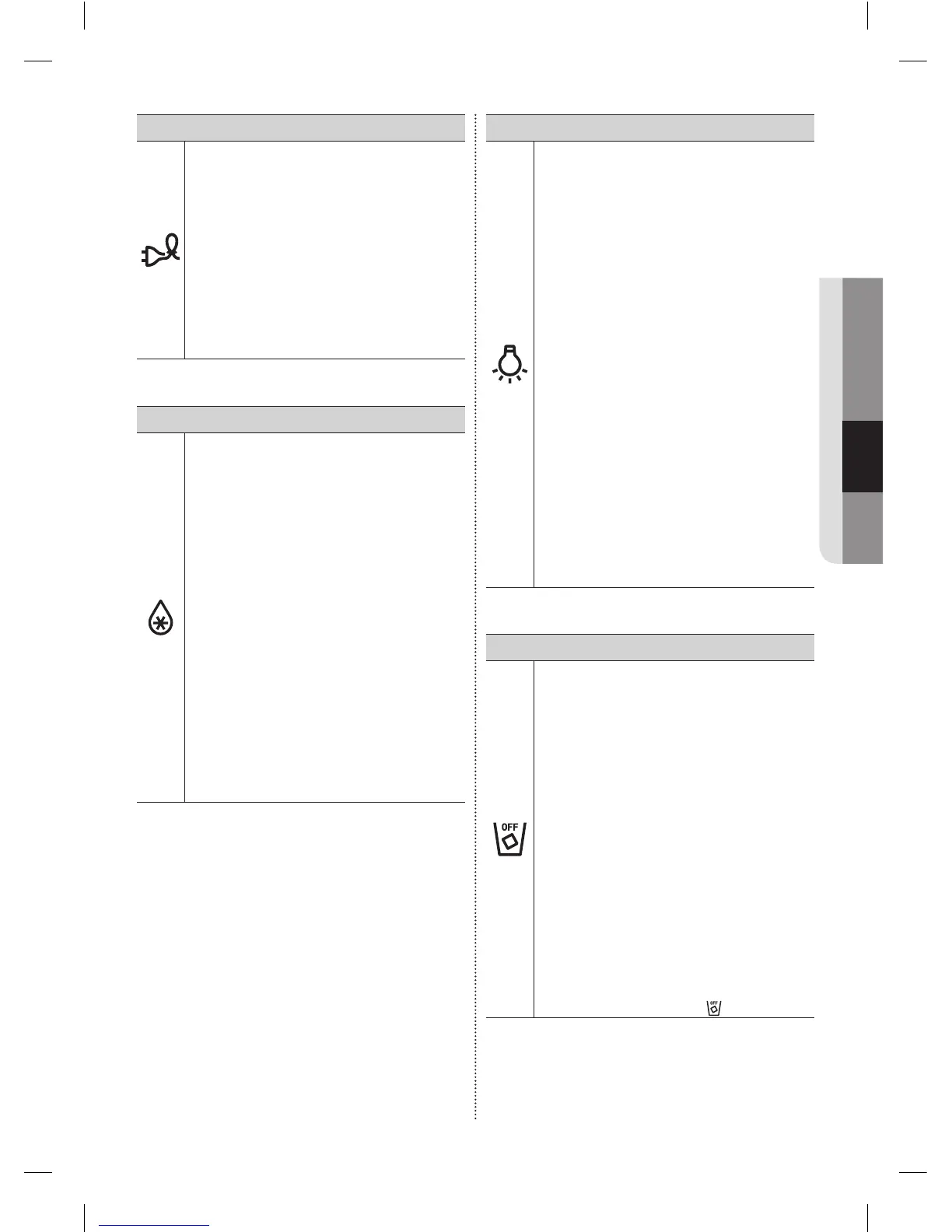
( 3 ) Energy Saver
TouchingthisbuttonturnsEnergySaver
modeonandoff.
WhenyouturnEnergySaveron,the
EnergySavericonlights.
TurnEnergySaveroffandtheicongoes
off.
TheEnergySaverfunctionautomatically
turnsonwhenpowerissuppliedtothe
refrigerator.
Ifcondensationorwaterdropsappearon
thedoors,turntheEnergySavermode
off.
( 4 ) Fridge / Power Cool (3sec)
TheFridgebuttonservestwopurposes:
- TosettheFridgetoyourdesired
temperature.
- ToturnthePowerCoolfunctionon
andoff.
1. TosettheFridgetemperature,press
theFridgebutton.
Youcansetthetemperaturebetween
44°F(7°C)and34°F(1°C).
2. PowerCoolfunction
Touchandholdthisbuttonfor3seconds
todecreasethetimeneededtocool
productsintheRefrigerator.
Itcanbehelpfulifyouneedtoquickly
cooleasilyspoileditemsorifthe
temperatureinthefridgehaswarmed
dramatically.
(forexample,ifthedoorwasleftopen)
( 5 )
Lighting / °C↔°F (3sec)
TheLightingbuttonservestwopurposes:
- Toturnthedispenserlightonandoff
- Toswitchthetemperatureunits
betweenºCandºF.
1. LightFunction
TouchingtheLightingbuttonturnsonthe
DispenserLEDlampincontinuousmode
sothatitstaysoncontinuously.
Thebuttonalsolightsup.
IfyouwanttheDispenserlampto
comeononlywhensomeoneusesthe
dispenser,presstheLightingbuttonto
turnthecontinuousmodeoff.
2. Toswitchthetemperatureunits
betweenºCandºF.
Touchandholdthisbuttonfor3seconds
toselectthetemperaturedisplayyou
want.
Eachtimeyoupressandholdthebutton,
theºCandºFtemperaturemodes
alternateandtheºCorºFiconlightsup,
indicatingyourselection.
( 6 ) Ice Maker Off
Ifyoudon’twanttomakemoreice,touch
theIceMakerOffbutton.
TheiconwilllightupandtheIce-Maker
stopsmakingice.
We recommend you to stop ice making
if the following occur:
- Thereisenoughiceintheicebucket.
- Youwanttosavewaterandenergy.
- Waterisnotbeingsuppliedtothe
refrigerator.
IftheicemakerfunctionisON,andthe
waterLineisnotconnected,therewillbe
awatervalvenoisefromthebackofthe
unit.
PresstheIceMakerOff(ControlLock
(3sec))buttonforlessthan3seconds
untiltheIceOffIndicator( )illuminates.
DA68-02954H (EN)-00-���.indd 25 2016. 3. 14. �� 10:44













 To Next Page