
 Need help?
Do you have a question about the Samsung SWA-8500S/ZA and is the answer not in the manual?
Details technical specs like weight, dimensions, temp, and humidity for the product.
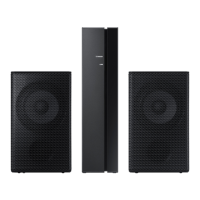
Guidance on connecting surround speakers to the wireless receiver module.
Instructions on verifying the standby status via the LINK LED indicator.
Procedure for turning off the main soundbar unit using remote or button.
Steps to configure the 'ID SET' mode using the soundbar's remote control.
Instructions for powering on the soundbar after setup.
Verification of a solid blue LINK LED for successful connection.
Steps to resolve connection problems based on LED indicator status.
 General
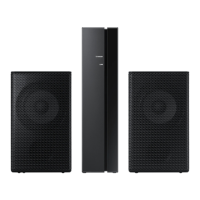
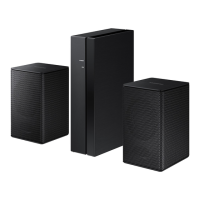
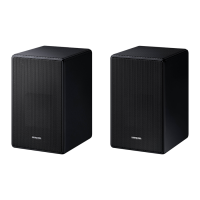
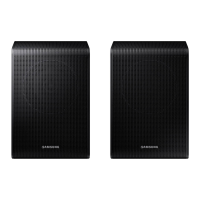
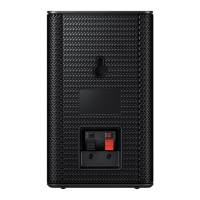
| Type | Wireless Rear Speaker Kit |
|---|---|
| Channels | 2.0 |
| Impedance | 4 Ohms |
| Color | Black |
| Connectivity | Wireless |
| Compatibility | Samsung Soundbars |




 To Next Page