
 Need help?
Do you have a question about the Samsung SWA-9500S and is the answer not in the manual?
Explains safety symbols including high voltage, Class II, AC/DC voltage, and consult instructions for use.
Provides crucial safety advice on ventilation, water exposure, overheating, and electrical cord handling.
Covers safe installation, cleaning, avoiding heat sources, and proper plug usage for user safety.
Advises on power supply compliance, avoiding sunlight/heat, unplugging during malfunctions, and voltage adapter use.
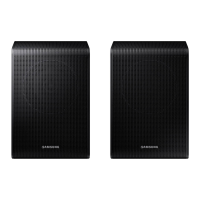
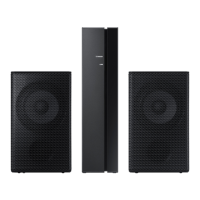
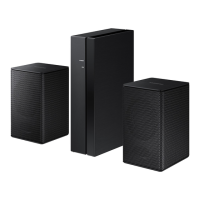
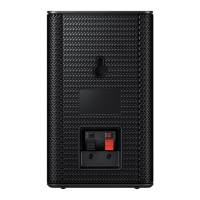
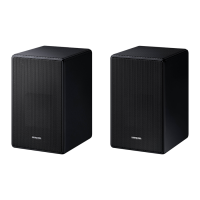
Lists the main components included with the product for checking.
Guides on connecting the SWA-9500S to a soundbar, including status checks and ID set configuration.
Provides steps based on LINK LED status for successfully connecting or troubleshooting connection failures.
Details notes and requirements for optionally installing surround speakers on a wall.
Information on compatible Samsung Soundbar models and where to find more details.
Explains potential administration fees for service calls and information about service personnel.
Details technical specifications including model name, weight, dimensions, power, and frequency range.
 General
| Channels | 2.0 |
|---|---|
| Tweeter | Wide Range Tweeter |
| Acoustic Lens | No |
| Wireless Connection | Yes |
| Type | Wireless Rear Speaker Kit |
| Compatibility | Samsung Soundbar (Q-Series) |
| Power Source | AC 110-240V |




 To Next Page