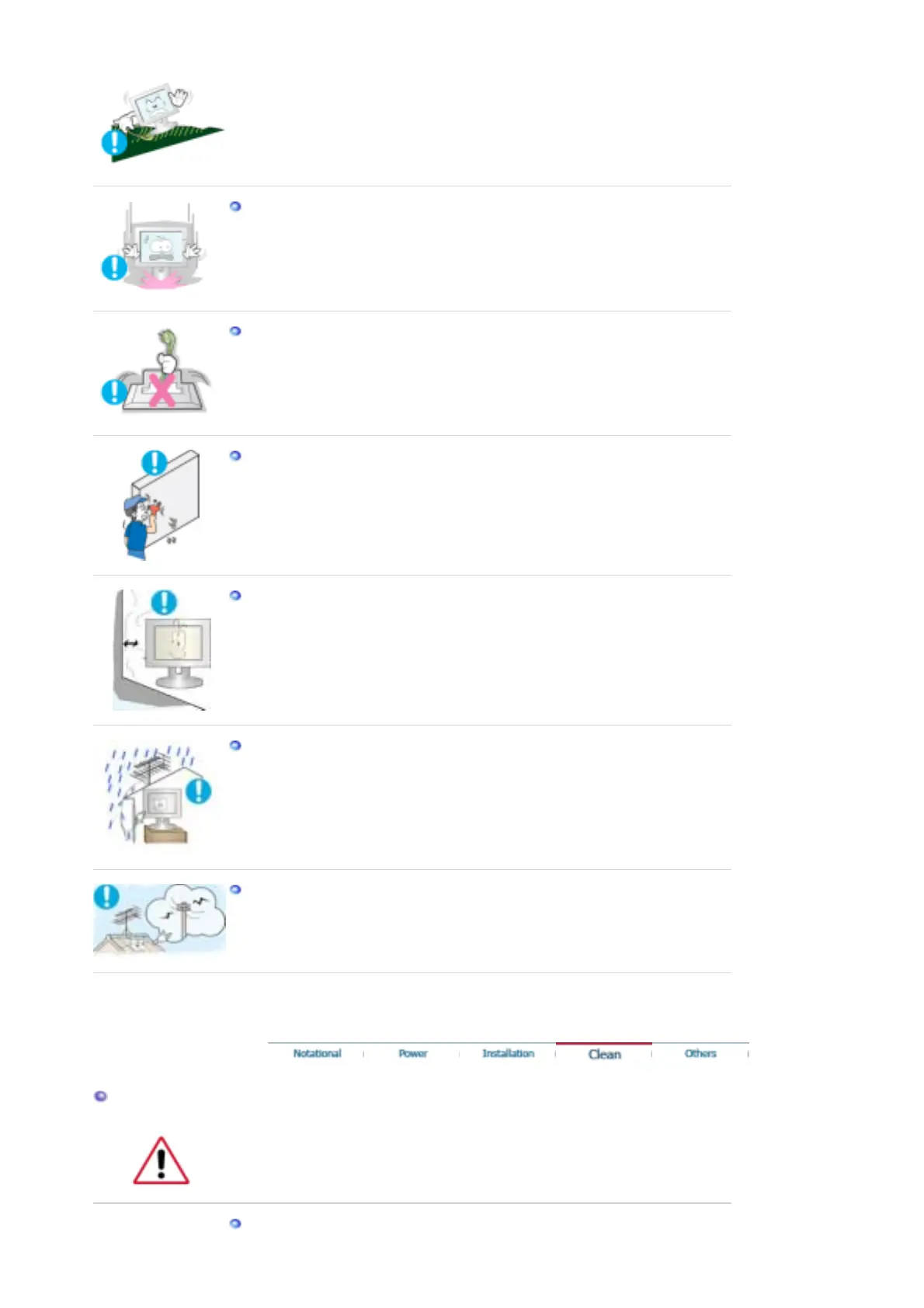
not project beyond the showcase or shelf.
z
Dropping the product may cause damage to the product or personal injury.
Set down the monitor carefully.
z
The monitor could be damaged or broken.
Do not place the monitor face down.
z
The TFT-LCD surface may be damaged.
Installing a wall bracket must be done by a qualified professional.
z
Installation by unqualified personnel may result in injury.
z
Always use the mounting device specified in the owner's manual.
Install the product keeping a distance of 10 cm from the wall for ventilation
purposes.
z
An overheated product may catch fire.
To prevent rainwater from running along the outdoor antenna cable and
entering the house, be sure the outdoor portion of the cable hangs down below
the point of entry.
z
If rainwater enters the product, it may cause an electric shock or fire.
If you are using an outdoor antenna, be sure to put sufficient distance between
your antenna and the electrical wires nearby so that they would not come in
contact with each other in case the antenna is knocked over by strong wind.
z
A knocked-over antenna may cause injury or an electric shock.
Clean
When cleaning the monitor case or the surface of the TFT-LCD screen, wipe with a
slightly moistened, soft fabric.










 To Next Page