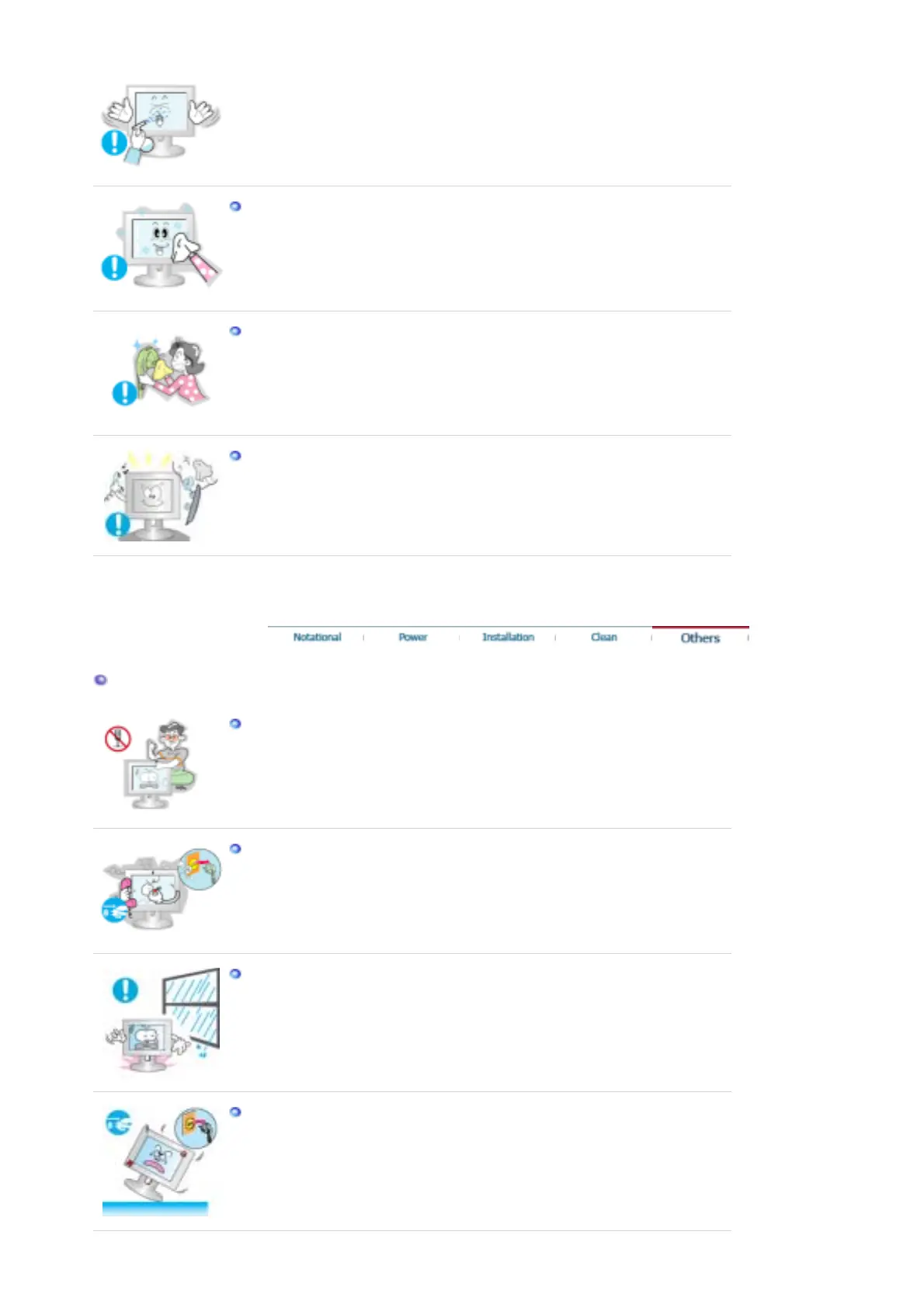
Do not spray water or detergent directly on the monitor.
z
This may cause damage, electric shock or fire.
Use the recommended detergent with a smooth cloth.
If the connector between the plug and the pin is dusty or dirty, clean it properly
with a dry cloth.
z
A dirty connector may cause an electric shock or fire.
Contact the Service Center or Customer Center for interior cleaning once a
year.
z
Keep the product's interior clean. Dust which has accumulated in the interior
over an extended period of time may cause malfunction or fire.
Others
Do not remove cover (or back).
z
This may cause an electric shock or fire.
z Refer servicing to qualified service personnel.
If your monitor does not operate normally - in particular, if there are any
unusual sounds or smells coming from it - unplug it immediately and contact
an authorized dealer or service.
z
This may cause an electric shock or fire.
Be careful not to let water drip into the monitor or expose the monitor to
moisture.
z This may cause malfunction, an electric shock or fire.
z
Especially avoid operating the monitor near water or outdoors where. The
monitor could be exposed to snow or rain.
If the monitor is dropped or the casing is damaged, turn the monitor off and
unplug the power cord.
z
The monitor may malfunction, causing an electric shock or fire.
z Then contact the Service Center .










 To Next Page