Installing the Software 4-1
administrator to correct it.
• <Gateway>
The <Gateway> field is the device’s gateway IP address. If DHCP is disabled, this field is required. If DHCP is enabled,
this field is not editable.
• <Primary DNS Server>
The <Primary DNS Server > field is the device’s primary DNS IP address. This field is optional. If DHCP is enabled, this
field is not editable.
• <Secondary DNS Server>
The <Secondary DNS Server> field is the device’s secondary DNS IP address. This field is optional. If DHCP is enabled,
this field is not editable.
• <Domain Name>
The <Domain Name> is the domain name used, e.g. ‘domain.local’. This field is optional. This field specifies the domain
that the Host or Portal is on.
•<FQDN>
The <FQDN> is the Fully Qualified Domain Name for the Host or Portal. The default is pcoip-host-MAC or pcoip-portal-
MAC where MAC is the Host or Portal’s MAC address. If used, the Domain Name will be appended, e.g. pcoip-host-
MAC.domain.local.
To use the FQDN feature, a properly configured DNS server with DHCP option 81 must be available.
• <Ethernet Mode>
The <Ethernet Mode> field configures the Ethernet mode of the Portal. The options are:
•<Auto>
• <10 Mbps Full-Duplex>
• <100 Mbps Full-Duplex>
Administrators should always set the <Ethernet Mode> to <Auto> and only use <10 Mbps Full-Duplex> or <100
Mbps Full-Duplex> when the other network equipment, e.g. switch, is also configured to operate at <10 Mbps Full-
Duplex> or <100 Mbps Full-Duplex>.
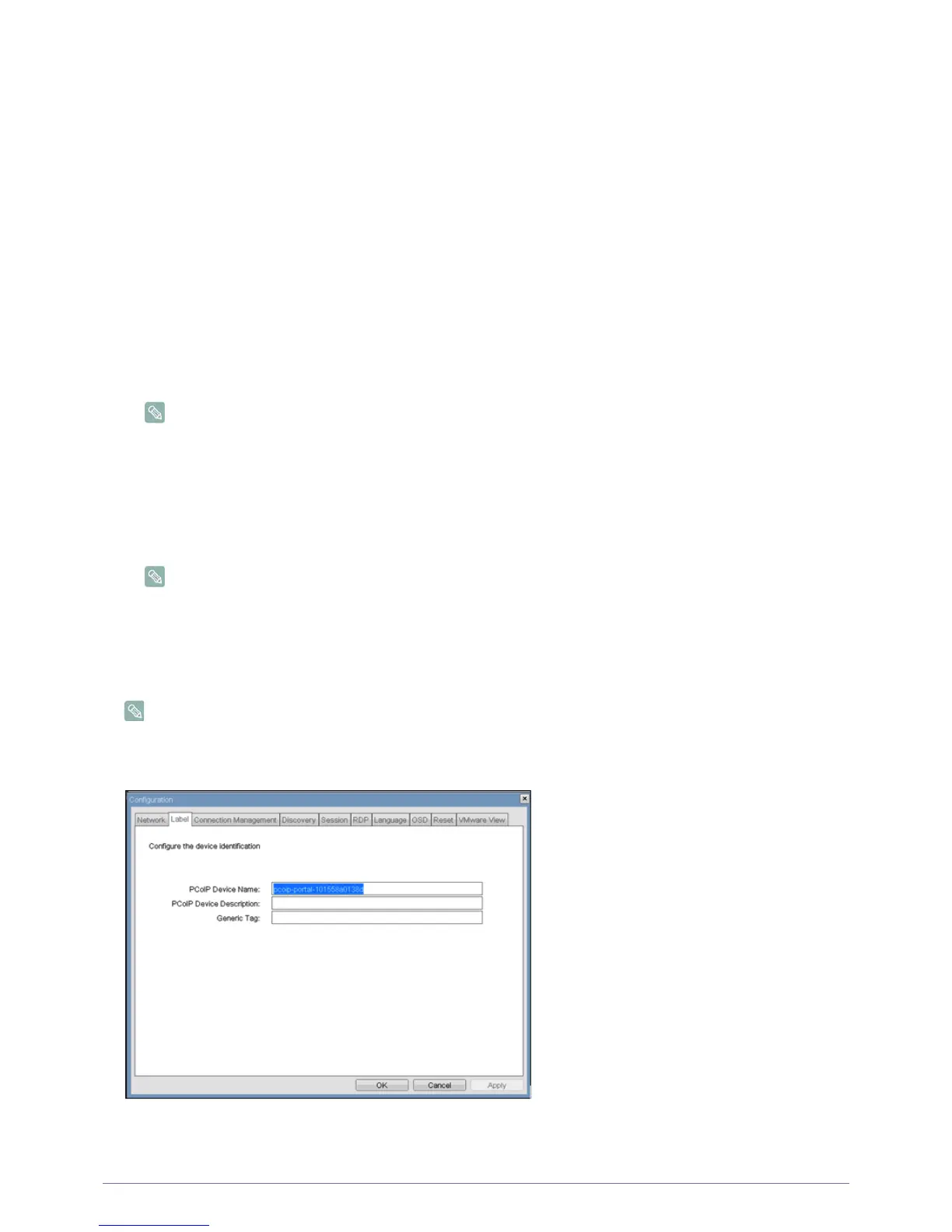
<Label> Tab
The <Label> tab allows an administrator to add custom information for the Host or Portal.
The Portal Label parameters can also be configured using the Webpage Administration Interface.
<Label> Configuration
• <PCoIP Device Name>
Figure 2-5:













 To Next Page