8
Route the power serial cable through the
dashboard to the mounting location.
☐
9
Re-connect the vehicle battery (if previously
disconnected).
☐
10 Start vehicle engine. ☐
11
Make sure the telematics box has 3 solid LEDs
(Cellular, GPS, and Status) within three minutes.
☐
12
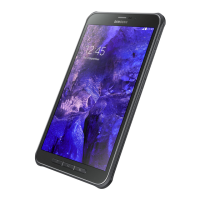
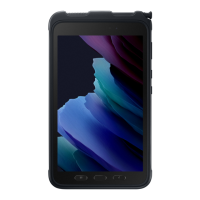
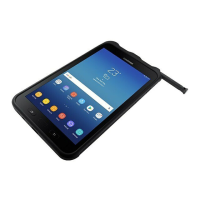
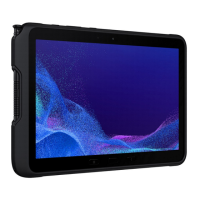
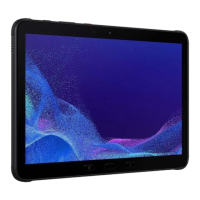
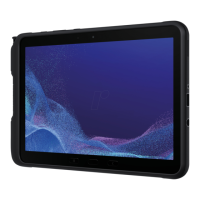
Dock the Samsung Tab Active tablet (if it is not
already docked).
☐
13
Power on the Samsung Tab Active tablet by
holding the power button for 3 seconds.
NOTE: The first-time boot-up process may take up
to seven or more minutes to complete. When the
boot-up process is complete, a login screen
appears.
☐
14
Log into the Samsung Tab Active tablet with a
driver ID and PIN.
☐
15
When prompted to automatically use the USB,
click OK.
☐
16 Perform a system check. ☐
17 Shut o the vehicle engine. ☐







 To Next Page