It is the Ownerʼs sole responsibility to install and use Zonar products in a manner that will not cause accidents,
personal injury or property damage. For the purposes of this notice, “Owner”, “you” and “your” means the party
(including any person authorized by that party to use and/or install the Product) that has either: (a) purchased the
Product; or (b) leased the Product from Zonar Systems, Inc or its related companies. The Owner of this product is solely
responsible for observing safe driving practices. The choice, location, and installation of all components of the Product
is critical. If installation is not correct, the Product may not perform as its design or specifications indicate. If in doubt,
consult with your vehicleʼs manufacturer.
Installation Steps
Task # Task Completed
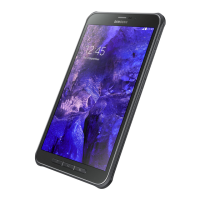
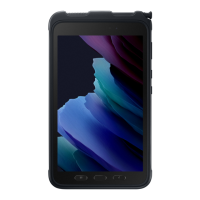
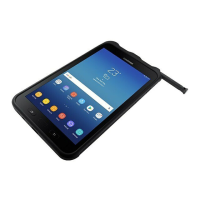
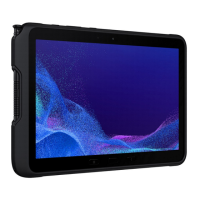
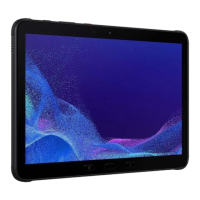
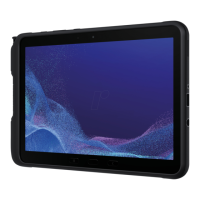
1 Inventory all Samsung Tab Active tablet items. ☐
2
Make sure the telematics unit is connected to a
minimum 1.5 Amp circuit.
See the V3 or V4 Installation Manual.
☐
3 Shut-o engine. ☐
4
Disconnect the vehicle battery (suggested for
heavy-duty vehicles).
☐
5
Lay out the Samsung Tab Active tablet hardware
and cables in a convenient location.
☐
6 Install the RAM mount and dock. ☐
7
Connect the power serial cable to the telematics
box (V3 or V4): 8-pin connector first, and then the
4-pin connector.
☐







 To Next Page