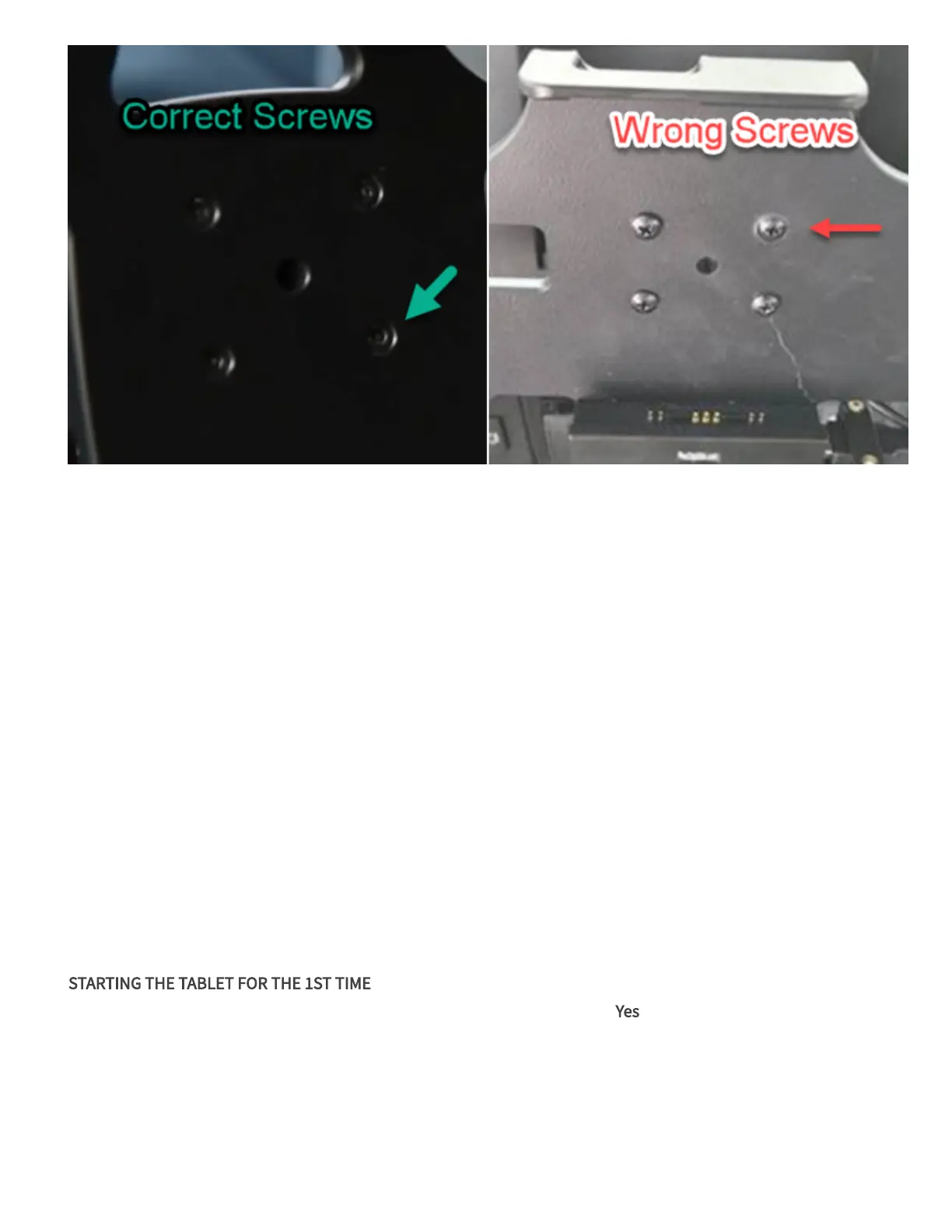
2. Mount the base ball mount for the RAM mount on the dashboard area. Use the backing plate to secure the mount.
3. Attach the post to the ball mount on the back of the dock and the base ball mount.
Wiring Installation
1. Connect the 6-pin Molex cables of the power supply to the back of the dock.
2. Plug the USB cable from the cable bundle to the dock (do not secure the cable to the dock yet).
3. Unplug the 4-pin power cable from the telematics unit and plug it into the short 4-pin connection of the power
cable assembly.
4. Attach the 9-pin to the telematics unit.
5. Attach the last two Molex connections on the cable bundle to the telematics unit. Connect the 4-pin connector last.
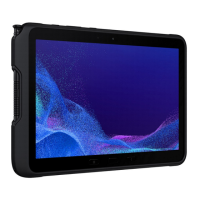
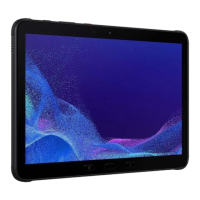
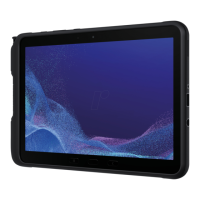
6. Remove the tablet from its packaging and attach the provided case.
7. Align the pins on the side of the Tab Active tablet with the terminal points on the dock. The screen should be facing
out.
8. Power on the vehicle and let it idle for 2 minutes.
9. Power on the tablet.
10. STARTING THE TABLET FOR THE 1ST TIME
a. When the tablet prompts to use the USB connection, check the box and tap Yes.
b. If the tablet does not detect the telematics unit the first time, the message "GPS device has not established a valid
connection yet" appears. Wait 10-20 seconds. Undock and then redock the tablet to re-initiate the connection.
c. Aer detection, the Manifest URL, Account information, Manifest, and Settings load onto the tablet.
d. The driver login screen appears. Wait 10-20 seconds before logging in.
11. Login to the tablet.







 To Next Page