Using the headset
11
English (UK)
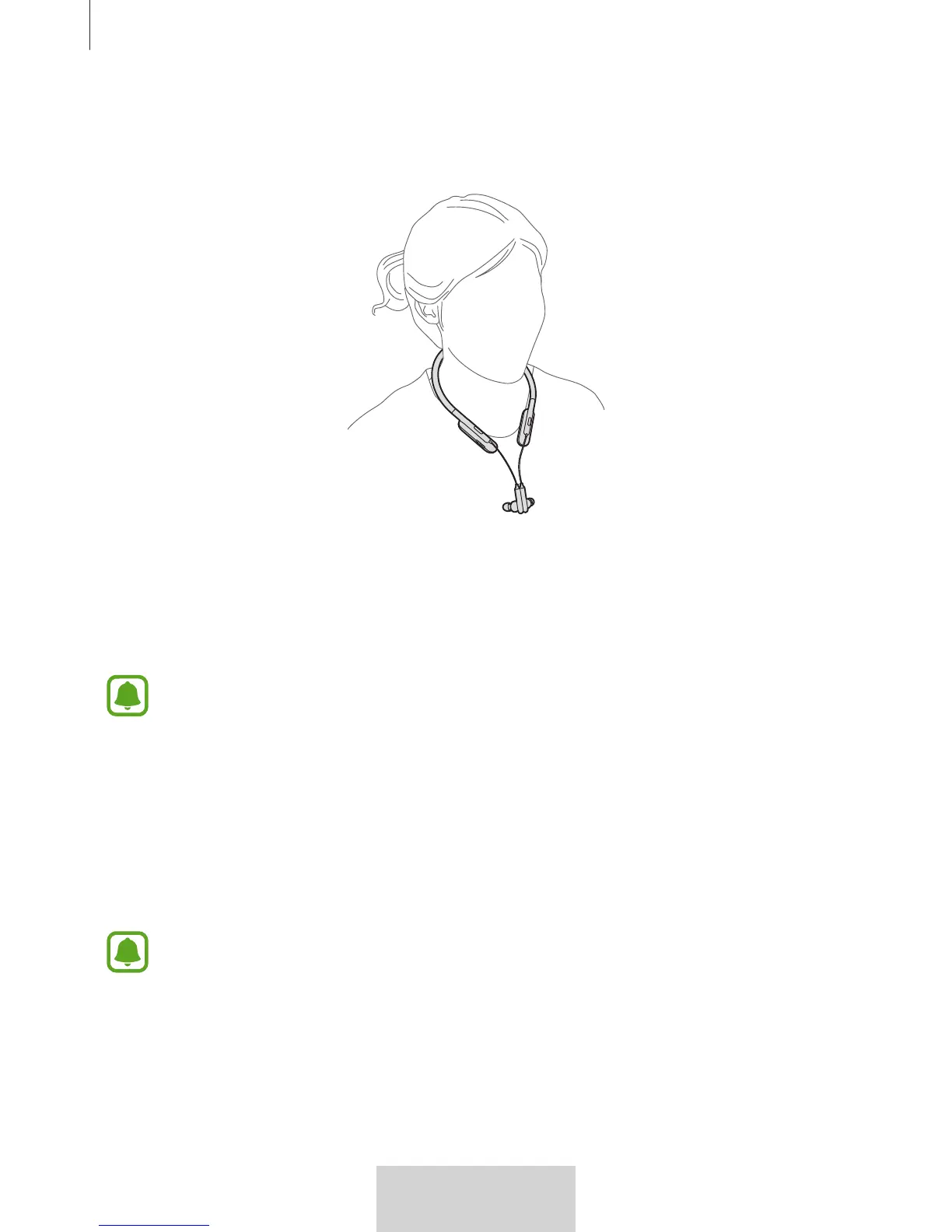
Connecting the earphones
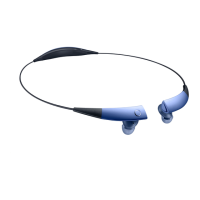
Connect the earphones to each other using the built-in magnets.
Using the headset
Various features are available when the headset is connected to another device.
The following descriptions are based on a Samsung mobile device running Android
5.0. Some features may not be available depending on the connected device.
Calling features
Answering a call
When a call comes in while you are wearing the headset, the headset will beep and vibrate.
Press the Play button to answer the call.
•
When the headset is connected to two devices and both devices receive calls
simultaneously, the headset will be connected to the device that recevie call first.
•
When you play a multimedia file from one device, you can still answer calls from
the other device.
Rejecting a call
Press and hold the Play button for one second.



 To Next Page