Playback/Editing
84
Playing back
Deleting files
Delete single files or all files at once. You cannot delete protected
files.
To delete a single file,
1
In Playback mode, select a file and press [
f
].
2
Select Yes to delete the file.
To delete multiple files,
1
In Playback mode, press [
f
].
2
Select Multiple Delete.
3
Select files you want to delete and press [
o
].
•
Press [
o
] again to cancel your selection.
4
Press [
f
].
5
Select Yes.
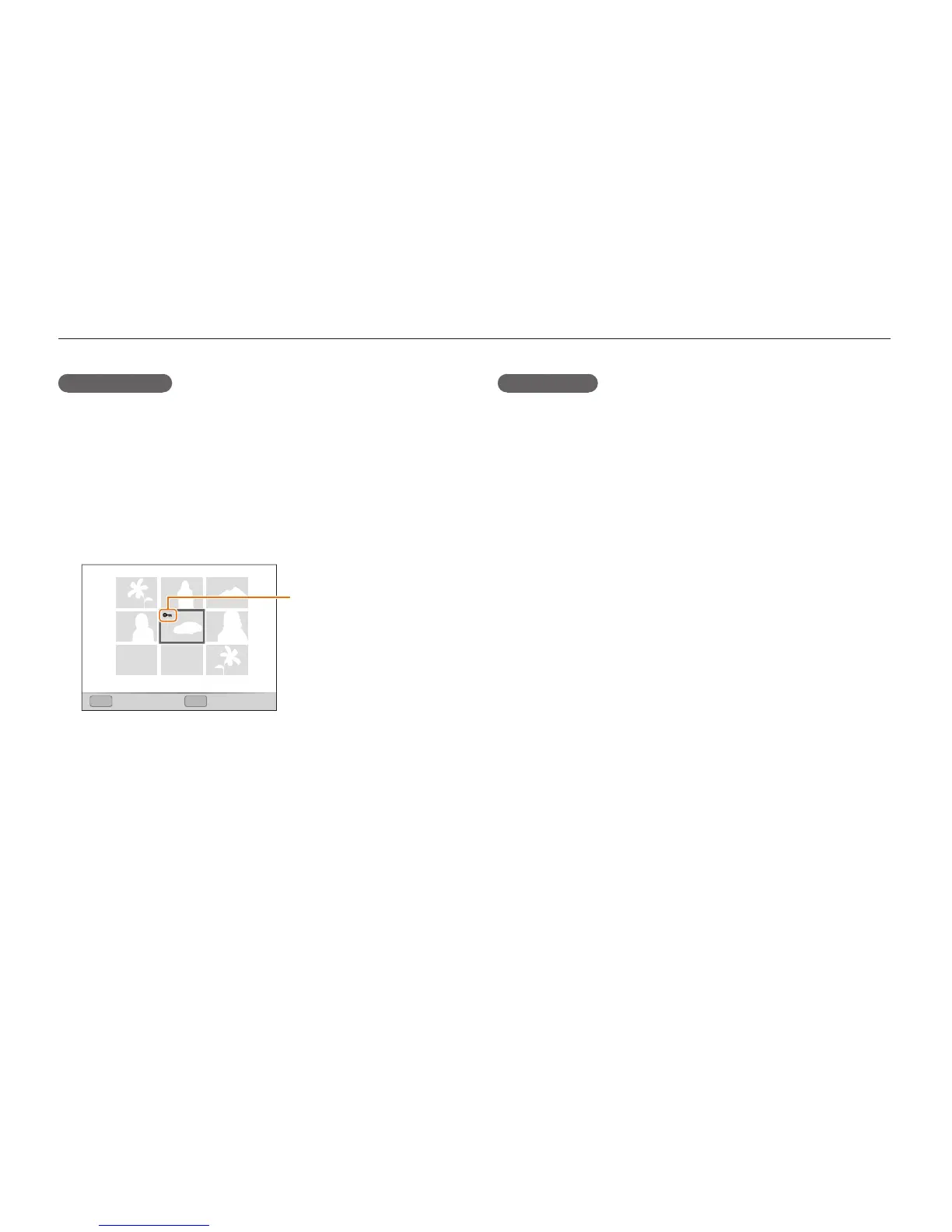
Protecting files
Protect your files from accidental deletion.
1
In Playback mode, press [
m
].
2
Select
u
Protect Select.
•
To protect all files, select All Lock.
3
Select the file you want to protect and press [
o
].
•
Press [
o
] again to cancel your selection.
Protected file
FnOK
Select Set
4
Press [
f
].



 To Next Page