EasyManua.ls Logo

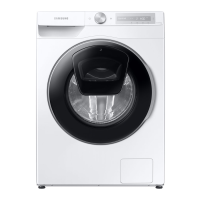
Samsung WW13T Series - User Manual

Samsung WW13T Series
136 pages
Print Icon
To Next Page IconTo Next Page
Loading...
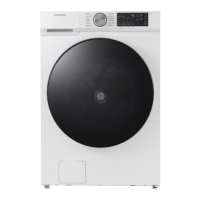
Washing Machine
User manual
WW1*T******/WW9*T******/WW8*T******
Untitled-6 1 2022-03-18  5:32:28

Table of Contents

Questions and Answers

  • C
    Courtney CrosbyAug 25, 2025
    What to do if Samsung WW13T has insufficient water supply?
    • A
      Anthony LoweryAug 25, 2025
      If your Samsung Washer isn't getting enough water, consider these possible solutions: * Fully open the water tap. * Ensure the door is properly closed. * Check that the water supply hose isn't frozen, kinked, or clogged. * Make sure there's sufficient water pressure. * Verify that the cold and hot water taps are correctly connected. * Clean the mesh filter, as it may be clogged.
  • B
    beckjenniferNov 9, 2025
    Why Samsung WW13T Washer does not start?
    • J
      Jonathan MyersNov 9, 2025
      If your Samsung Washer isn't starting, there are several things to check: * Ensure the washing machine is properly plugged in. * Confirm that the door is completely closed. * Verify that the water taps are open. * Tap and hold to start the washing machine. * Make sure Child Lock is not activated. * Check the fuse or reset the circuit breaker. * Check if power is supplied properly. * Low voltage detected. Check if the power cord is plugged in. * Make sure laundry is not caught in the door. * If the “AddWash door is open” message appears, close the AddWash door properly and tap and hold to try again. To add laundry, open the AddWash door and put in laundry. close the AddWash door completely. Then, tap and hold to resume operation. Also, before the washing machine starts...

Samsung WW13T Series Specifications

General IconGeneral
BrandSamsung
ModelWW13T Series
CategoryWasher
LanguageEnglish

Related product manuals