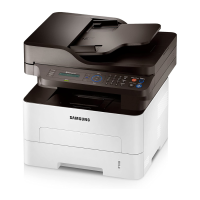
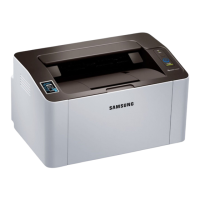
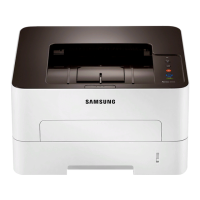
Understanding the LED
71
4. Troubleshooting
6
Status LED
Status Description
(Status LED)
Off
• The machine is off-line.
• The machine is in power save mode.
Green
Blinking
• When the backlight slowly blinks, the machine is receiving data from the computer.
• When the backlight blinks rapidly, the machine is printing data.
On • The machine is on-line and can be used.
Red
Blinking
A minor error has occurred and the machine is waiting for the error to be cleared. When the problem is cleared, the machine
resumes.
On
• The cover is opened. Close the cover.
• There is no paper in the tray when receiving or printing data. Load paper in the tray.
• The machine has stopped due to a major error. Reboot the power and try the printing job again. If the problem persists,
please call for service.
• An imaging unit has almost reached its estimated cartridge life
a
. It is recommended to replace the imaging unit (see
"Replacing the imaging unit" on page 52).
a. When the imaging unit has reached its end of life, the machine will stop printing. In this case, you can choose to stop or continue printing from the SyncThru™ Web Service (Settings > Machine
Settings > System > Setup > Supplies Management > Imaging Unit Stop) or Samsung Easy Printer Manager (Device Settings > System > Supplies Management > Imaging Unit Stop).
Turning off this option and continuing to print may damage the device’s system.
Orange
Blinking Upgrading firmware.
On A paper jam has occurred (see "Clearing paper jams" on page 62).


 To Next Page
 Loading...