Basics
25
Notification panel
Using the notification panel
When you receive new notifications, such as messages or missed calls, indicator icons appear
on the status bar. To see more information about the icons, open the notification panel and
view the details.
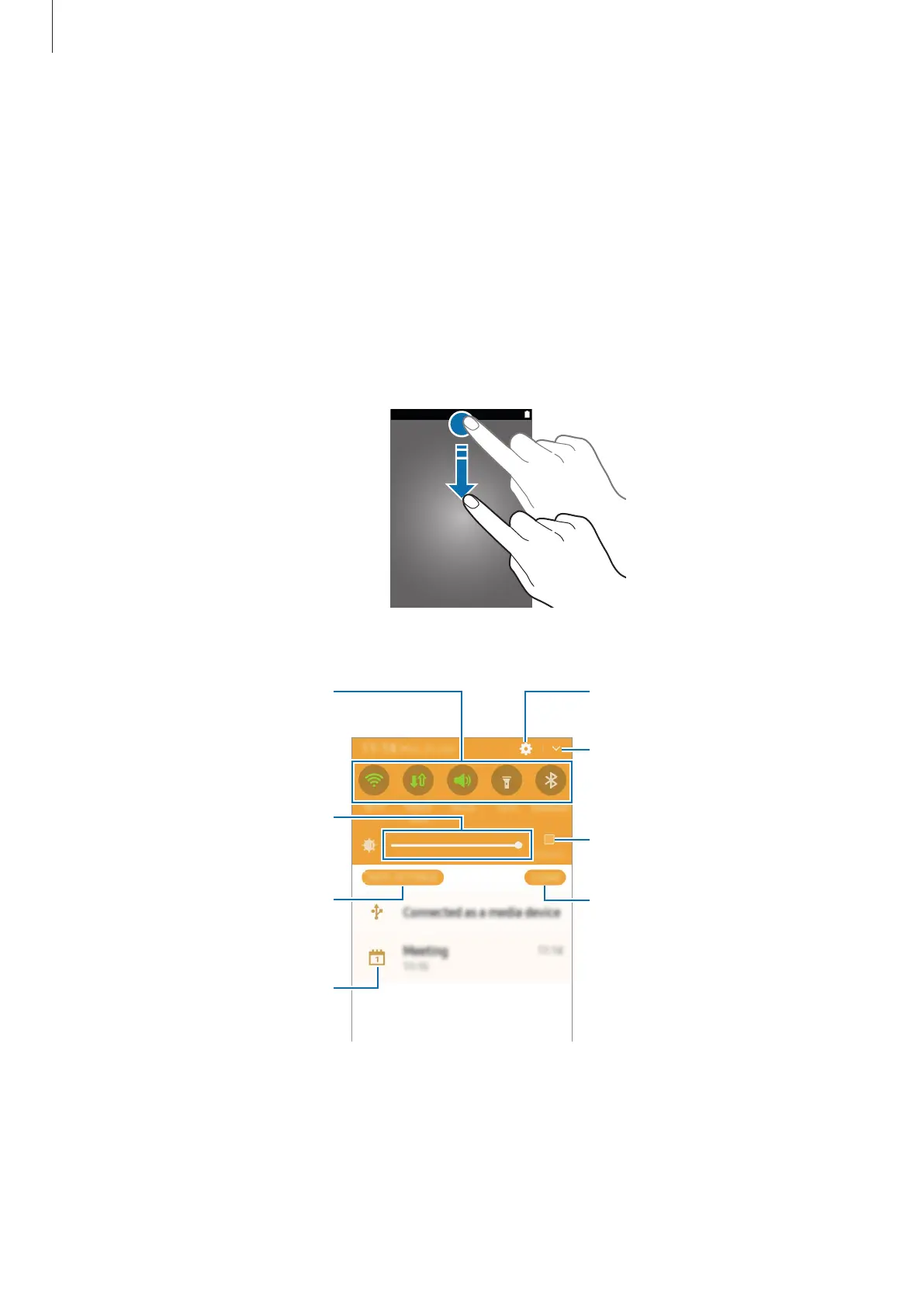
To open the notification panel, drag the status bar downwards. To close the notification panel,
drag the bottom of the panel upwards.
You can use the following functions on the notification panel.
Tap a notification and perform
various actions.
Clear all notifications.
Maximise brightness for better
visibility in bright conditions.
Adjust the brightness.
View more quick setting buttons.
Access the notification settings.











 To Next Page