Applications
55
Music
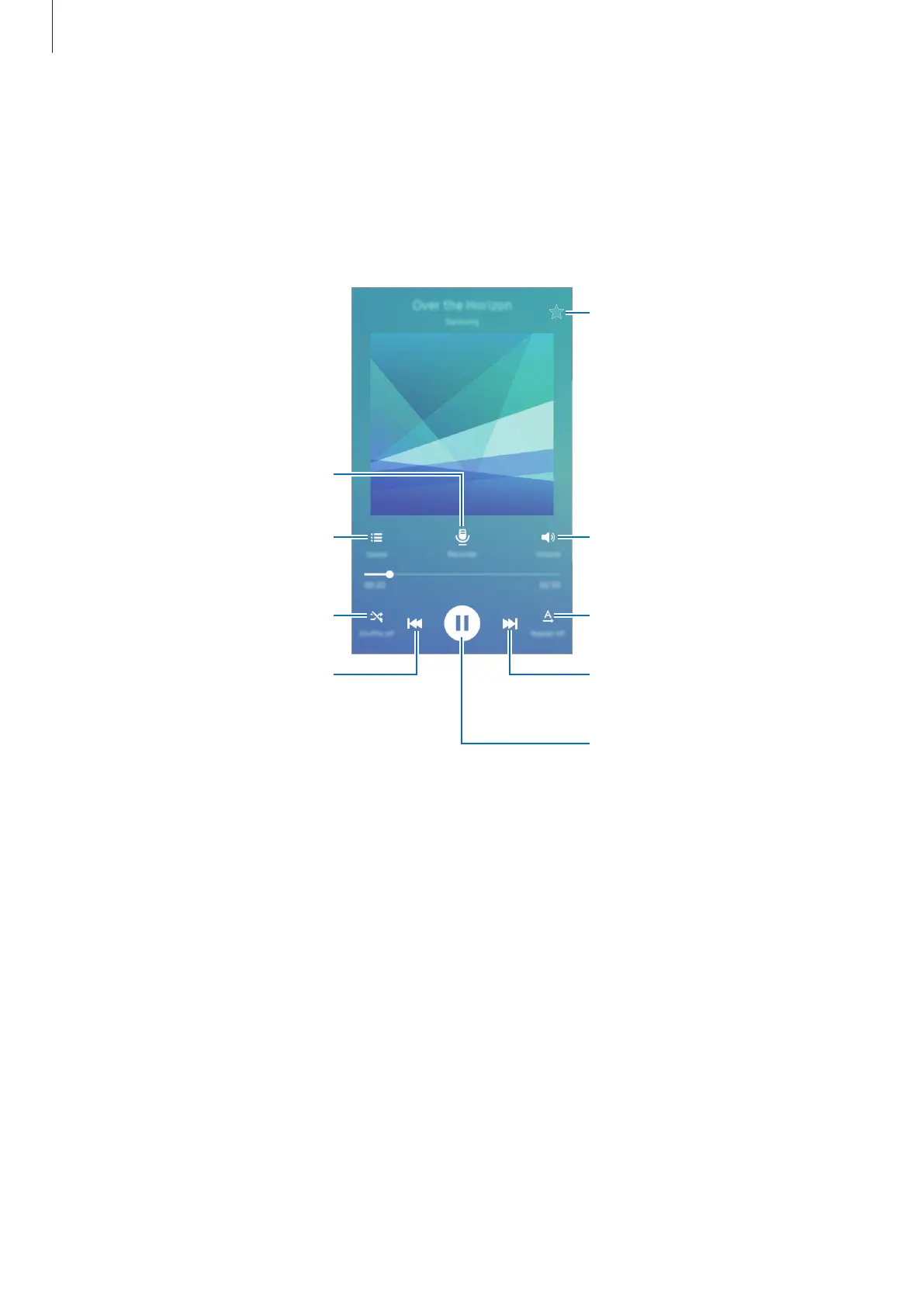
Listen to music sorted by category and customise playback settings.
Tap
Music
on the Apps screen.
Select a category, and then select a song to play.
Change the repeat mode.
Set the file as your favourite
song.
Skip to the next song. Tap and
hold to fast-forward.
Pause and resume playback.
Adjust the volume.
Skip to the previous song. Tap
and hold to rewind.
Record the current song.
Turn on shuffle.
Open the playlist.











 To Next Page